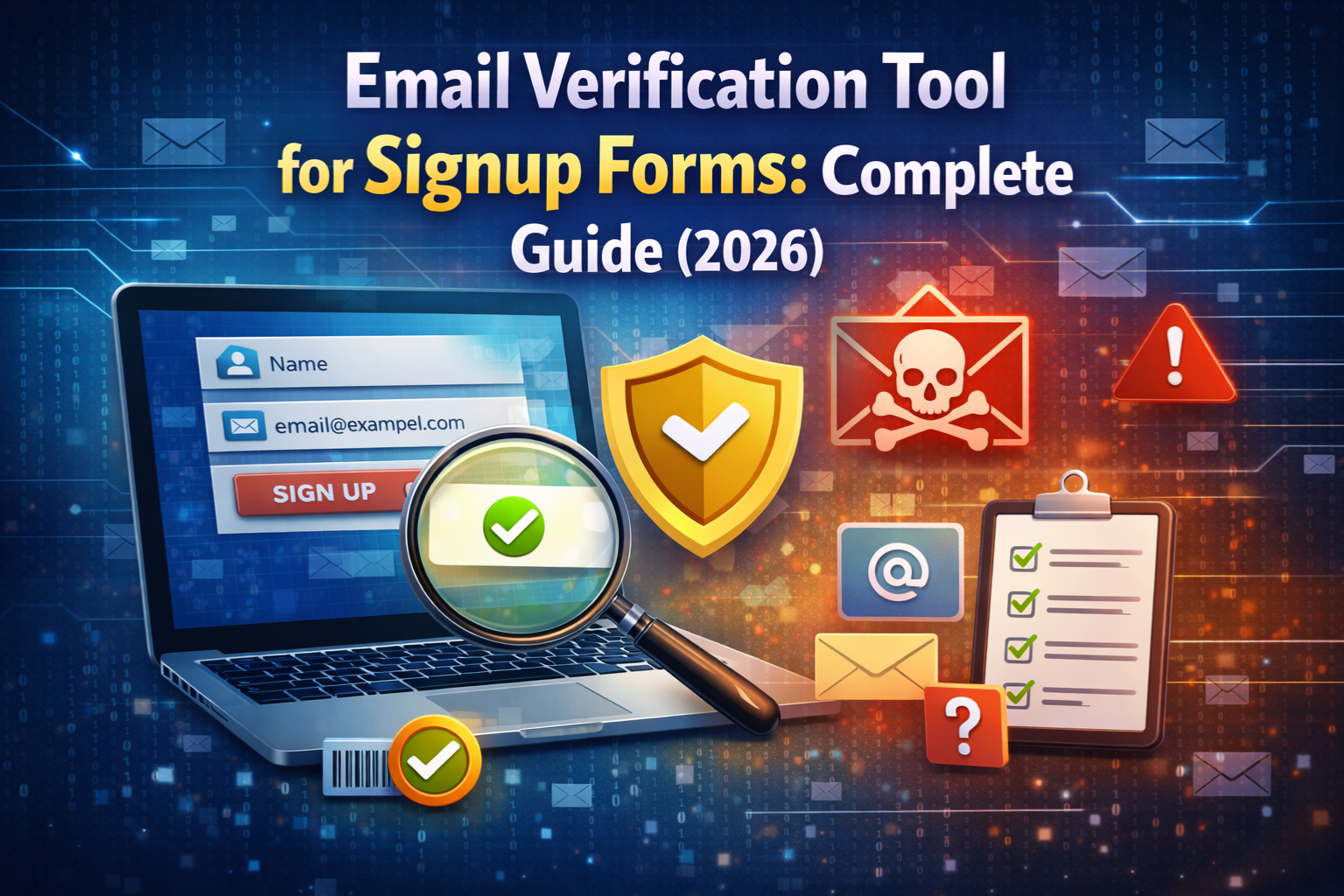
Every website that collects email addresses through a signup form faces the same silent problem a growing percentage of those addresses are fake, invalid, or disposable. Users mistype their email, enter a throwaway address to avoid spam, or bots flood your form with auto-generated junk. Without a proper email verification tool for signup forms, all of this bad data flows straight into your database and the consequences pile up quickly.
This guide covers everything you need to know about using an email verification tool on your signup forms: what it does, how it works, why it matters, and how to choose the right approach for your platform.
What Is an Email Verification Tool for Signup Forms?
An email verification tool is a system that checks whether an email address is real, valid, and safe to use at the exact moment a user enters it into your signup form. Instead of waiting until emails start bouncing or engagement drops, verification happens instantly, before the address ever enters your database.
A good email verification tool checks multiple signals simultaneously:
- Whether the email address has a valid format
- Whether the domain actually exists and has active mail records
- Whether the domain belongs to a known disposable or temporary email provider
- Whether the email is likely to deliver successfully
The result is a clean, verified list of email addresses from the very first signup not a messy database that needs to be cleaned up months later.
Why Signup Forms? Are the Most Important Places to Verify Emails
You can verify emails at many points in your workflow during list imports, before campaigns, or in periodic database audits. But the signup form is by far the most important place to run verification, and here is why.
It stops bad data before it enters your system. Every other verification method is reactive. it cleans up problems that already exist. Form-level verification is proactive. It prevents the problem from occurring in the first place.
It is the natural moment to ask for correction. When a user mistyped their email, the signup form is the only moment where you can show them an error and let them fix it immediately. Once they have left your page, that opportunity is gone.
It protects your sender reputation from day one. Every invalid or disposable email that enters your list is a future bounce or dead address. Catching these at the form level means your list stays clean and your sender reputation stays strong without any extra work downstream.
It reduces fraud before it starts. Most fake account creation, free trial abuse, and referral fraud begins at the signup form. Verifying emails here stops these users before they ever gain access to your platform.
How Email Verification Works on a Signup Form
When a user fills in your signup form and enters their email address, the verification process runs in the background usually in under a second. Here is what happens step by step:
Step 1: Format validation: The tool first checks whether the email address follows the correct format. An address must have a username, an @ symbol, a domain name, and a valid top-level domain. Addresses like john@ or @gmail.com fail immediately at this stage.
Step 2: Domain existence check: The tool checks whether the domain in the email address (the part after @) actually exists on the internet and has DNS records associated with it.
Step 3: MX record lookup: A Mail Exchange (MX) record tells the internet where to deliver email for a given domain. The tool checks whether valid MX records exist for the email’s domain. No MX records means the domain cannot receive email even if it looks valid.
Step 4: Disposable provider detection: The tool checks the domain against a regularly updated database of known disposable and temporary email providers. If there is a match, the email is flagged as temporary.
Step 5: Result returned: Within milliseconds, the tool returns a result—valid, invalid, or disposable and your form takes action accordingly. You can block the submission, show an error message, or flag the account for review.
You can test this entire process right now using the MailScan Email Verification Tool by ZeptempMail enter any email address and see an instant result showing whether it is legitimate, temporary, or invalid.
Free vs Paid Email Verification Tools: Which Do You Need?
One of the most common questions website owners ask is whether they need a paid email verification service or whether a free tool is enough. Here is an honest comparison:
| Feature | Free Tools | Paid Tools |
|---|---|---|
| Real-time verification | Yes | Yes |
| Disposable email detection | Yes | Yes |
| MX record checking | Yes | Yes |
| Bulk list verification | Limited or no | Yes |
| API access for developers | Sometimes | Yes |
| Domain blacklist updates | Less frequent | More frequent |
| Support | Community / none | Dedicated |
| Cost | Free | Monthly subscription |
For most small to medium websites, a free real-time verification tool covers the essentials perfectly well. The Zeptempmail Email Verification Tool is completely free to use, requires no signup, and gives you instant results on whether any email address is disposable or legitimate.
Paid tools make more sense when you need bulk verification of large lists, direct API integration into a complex tech stack, or enterprise-level support.
Types of Email Addresses Your Verification Tool Should Catch
A strong email verification tool for signup forms should be able to detect and handle all of the following types of problematic addresses:
Disposable and Temporary Emails
These are addresses generated by temporary email services they work for a few minutes or hours and then expire. Users who sign up with these addresses are typically trying to access something without committing a real email address. You can learn more about how these services work by visiting the Zeptempmail temp mail homepage, which explains the typical use cases for disposable inboxes.
Invalid Format Emails
Addresses that simply do not follow the correct email format missing the @ symbol, extra spaces, unsupported characters. These are usually the result of typos rather than intentional deception.
Non-Existent Domains
Some users type an email address with a domain that does not actually exist for example, user@notarealdomain.xyz. The format looks valid, but the domain has no DNS presence. MX record checking catches these.
Role-Based Addresses
Addresses like info@, admin@, support@, or noreply@ are not tied to an individual person—they go to shared inboxes managed by teams. These are not fake, but they are poor-quality leads for most marketing purposes.
Catch-All Domains
Some domains are configured to accept email sent to any address under that domain even ones that do not actually exist. This means an address can appear valid when checked but may never actually reach a real person.
Best Practices for Using Email Verification on Signup Forms
Getting the most out of email verification is not just about installing a tool—it is about how you design the entire signup experience around it. Here are the most important practices to follow:
Verify in real time, not after submission.
Show the user an error while they are still on the form. Do not wait until they have clicked submit and moved on. Real-time feedback gives the user a chance to correct a typo or choose a different email address immediately.
Write clear, helpful error messages.
When an email is flagged as invalid or disposable, tell the user exactly what the problem is. Vague messages like “email is invalid” frustrate users. Instead, say something like, “This appears to be a temporary email address. Please use a permanent email to complete signup.” This is informative and gives the user a clear next step.
Do not block every unusual email automatically.
Some legitimate email addresses look unusual custom domains, non-standard TLDs, or addresses from smaller providers. Make sure your verification logic does not over-block. The goal is to catch clearly fake or disposable addresses, not to reject anything that does not look like Gmail.
Combine verification with double opt-in
Email verification at the form level and a confirmation email afterward work together as a powerful two-stage filter. Verification catches invalid and disposable addresses before they enter your system. Double opt-in confirms that the remaining addresses belong to someone who actually controls that inbox.
Re-verify your existing list periodically.
Form-level verification keeps new signups clean, but your existing database may already contain a large number of bad addresses collected before you had verification in place. Running a periodic audit every three to six months — and removing inactive or bouncing addresses keeps your overall list healthy.
Common Mistakes Website Owners Make With Email Verification
Even with a verification tool in place, there are several mistakes that reduce its effectiveness:
Only checking email format, not domain validity. Format validation alone is not enough. An address like user@disposable.com is correctly formatted but belongs to a throwaway provider. Always check domain validity and disposable provider databases too.
Blocking too aggressively. Some teams configure their verification to reject anything that is not a major provider like Gmail or Outlook. This blocks perfectly valid users who use custom domains, work email addresses, or regional providers.
Not updating the disposable domain list. New throwaway email services launch constantly. A static blocklist that was accurate six months ago will miss dozens of new providers today. Use a tool with a regularly maintained and updated database.
Ignoring verification results after signup. Form-level verification is the first filter, not the only one. Monitor engagement after signup and suppress addresses that show zero activity some bad addresses slip through even good verification systems.
Frequently Asked Questions (FAQs)
What is the best free email verification tool for signup forms?
The MailScan Email Verification Tool by Zeptempmail is a free, no-signup tool that checks any email address in real time. It detects temporary, disposable, and invalid emails instantly making it a strong starting point for any website owner.
Can email verification slow down my signup form?
A well-implemented real-time verification tool adds less than one second to the form submission process. Most users will not notice any delay. The slight wait is far preferable to the downstream problems caused by unverified addresses.
Should I block disposable emails or just flag them?
It depends on your platform. For most websites where long-term communication with users matters SaaS products, e-commerce, and membership sites blocking disposable emails at signup is the right approach. For tools where anonymous use is acceptable, flagging and monitoring may be a better balance.
What happens if a real user gets blocked by mistake?
Your error message should always give the user a path forward. Tell them what kind of email is accepted and encourage them to use a permanent address. If your platform has a support channel, link to it so users who believe they were wrongly blocked can reach out.
Does email verification work for mobile signup forms too?
Yes. Real-time verification works the same way regardless of whether the user is on a desktop or mobile browser. It is a server-side check that runs on form submission, so the device type does not affect how it works.
How do I verify emails if I already have a large existing list?
Start by running your list through a bulk verification tool to identify and remove bouncing, invalid, and disposable addresses. Then add form-level verification going forward so that all new signups are clean from day one. You can also use the Zeptempmail username generator if your platform allows users to create anonymous accounts with generated usernames alongside verified emails.
Final Thoughts
An email verification tool for signup forms is one of the highest-return investments you can make in the health of your platform. It costs very little to implement you can start today for free with the MailScan tool at Zeptempmail and the benefits compound over time as your database stays cleaner, your deliverability stays strong, and your analytics stay accurate.
The best approach is to treat email verification not as a one-time fix but as a permanent layer in your signup process combined with double opt-in, CAPTCHA, and regular list audits for a complete, multi-layered defense against fake and invalid signups.