Every day, millions of fake, disposable, and invalid email addresses are entered into signup forms, contact pages, lead generation forms, and marketing lists. Some of these come from bots. Some come from users who simply do not want to share their real inbox. And some are honest typos that turn a real address into an undeliverable one.
Whatever the source, the result is the same — your database fills with email addresses that belong to no real, engaged person. A fake email checker solves this problem instantly. In this complete guide, you will learn what a fake email checker is, how it works, why you need one, and how to check any email address in seconds using free tools available right now.
What Is a Fake Email Checker?
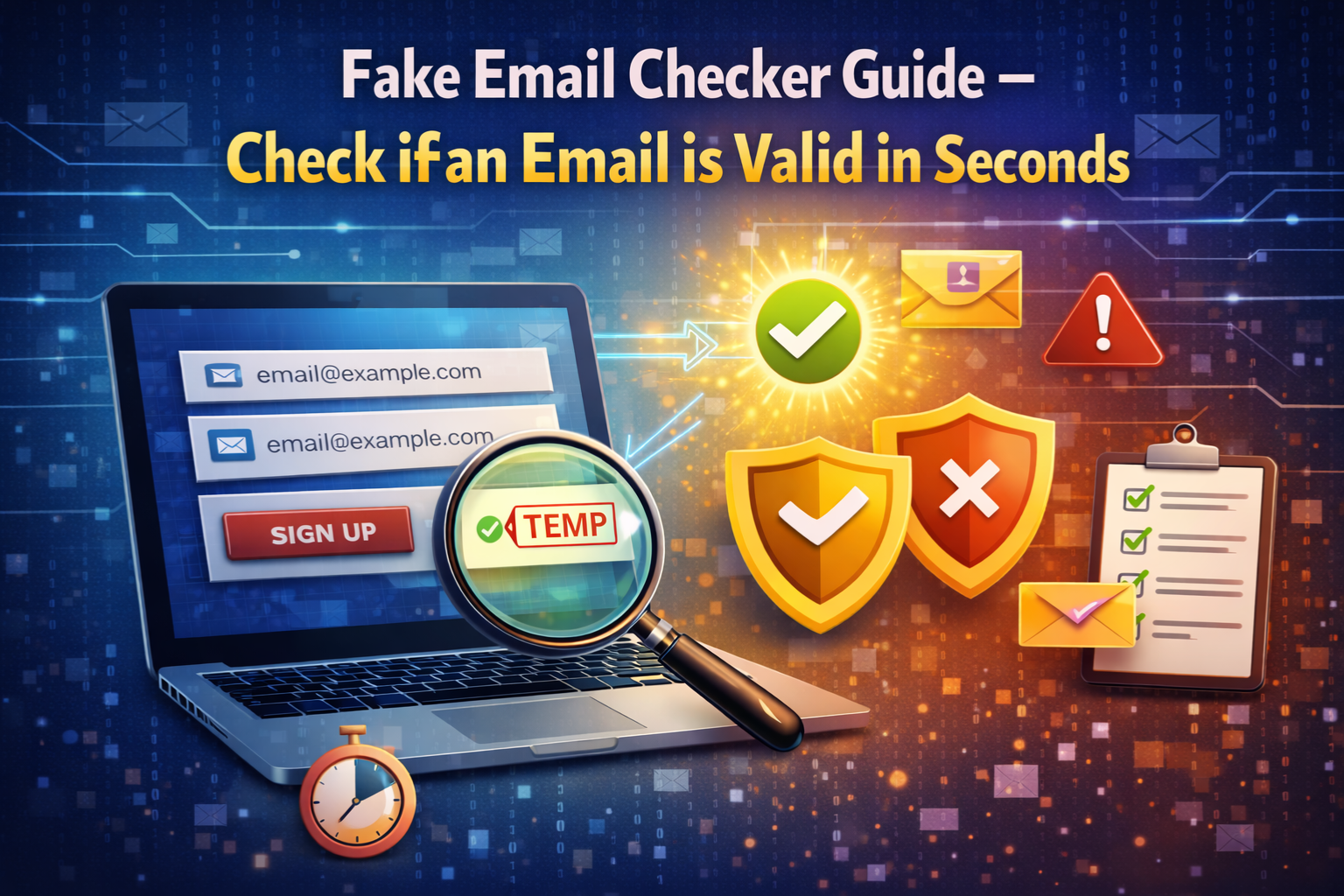
A fake email checker is a tool that analyzes an email address and determines whether it is real and valid or fake, disposable, and undeliverable. It does this by running a series of automated checks on the address and its domain — all without sending any email to that address.
A reliable fake email checker looks at the following:
- Whether the email address has a valid format
- Whether the domain exists and has active DNS records
- Whether the domain has MX records that allow it to receive email
- Whether the domain belongs to a known disposable or throwaway email provider
- Whether the address shows any signs of being auto-generated or fraudulent
The entire process takes less than a second. You enter an email address, click “check,” and get an immediate verdict—valid, invalid, or disposable.
You can try this right now using the MailScan Fake Email Checker by Zeptempmail — it is completely free, requires no account, and gives you an instant result on any email address you enter.
Why Fake Emails Are Everywhere in 2026
The volume of fake email signups has grown significantly over the past few years, and for good reason — it has never been easier to generate a temporary inbox. Services like Zeptempmail’s free temporary email make it possible to get a working disposable inbox in seconds, with no registration required.
These services exist for completely legitimate privacy reasons — helping users avoid spam, test applications, and protect their personal inbox from unwanted promotions. But the same technology that protects genuine privacy-conscious users can also be exploited by people who want to abuse free trials, bypass account restrictions, or inflate referral numbers.
This is exactly why a fake email checker has become an essential tool for anyone who collects email addresses online. The easier it becomes to generate throwaway emails, the more important it becomes to verify the ones entering your system.
Types of Fake Emails a Checker Should Detect
Not all fake emails look the same. A good fake email checker should be capable of identifying several distinct categories:
Disposable and Temporary Emails
These are addresses generated by throwaway email services. They have real domains and working inboxes—but only for a short time. After the address expires, any email sent to it disappears into nothing.
Invalid Format Emails
These fail the most basic test — they do not follow the correct structure of a valid email address. Missing @ symbols, extra spaces, unsupported characters, and incomplete domains all fall into this category. Most of these are honest typos, but some are deliberate attempts to submit a form without providing a real address.
Non-Existent Domain Emails
These addresses look correctly formatted but use a domain that does not actually exist on the internet. An address like user@notarealdomain123.com passes a format check but fails a DNS lookup because the domain has never been registered.
Emails With No MX Records
The domain exists, but it is not configured to receive email. Without Mail Exchange records, no message can ever be delivered to any address at that domain. These addresses will always result in a hard bounce if you try to email them.
Role-Based Emails
Addresses like admin@, info@, support@, and noreply@ are not tied to any individual person. They go to shared inboxes managed by teams and are generally poor quality for any personal communication or marketing purpose.
Catch-All Domain Emails
Some domains are set up to accept any email sent to them — even addresses that do not actually exist. These pass most standard checks but can still result in emails going unread or undelivered in practice.
How a Fake Email Checker Works: Step by Step
Understanding what happens behind the scenes when you run a check helps you evaluate how reliable a tool really is. Here is the full process a proper fake email checker follows:
Step 1 — Syntax check The tool first inspects the raw structure of the email address. It confirms the presence of the @ symbol, checks that the username contains only supported characters, and verifies that the domain portion is formatted correctly. Addresses that fail here are immediately flagged as invalid.
Step 2 — Domain existence check The tool performs a DNS lookup on the domain. This queries the public internet directory to confirm whether the domain has been registered and has active records. A domain with no DNS presence means the email address cannot possibly be real.
Step 3 — MX record verification Even if the domain exists, the tool checks whether it has Mail Exchange records—the DNS entries that tell the internet where to deliver email for that domain. No MX records means the domain cannot receive email, regardless of how valid it looks.
Step 4 — Disposable provider database check The domain is compared against a live, regularly updated database of known disposable and temporary email providers. This is the step that catches throwaway addresses from services that have perfectly valid DNS and MX records but are known to generate temporary inboxes.
Step 5 — Result returned All checks are complete in milliseconds, and a result is returned—valid and permanent, disposable or temporary, or invalid and undeliverable.
The MailScan tool at ZeptempMail runs all five of these steps simultaneously every time you enter an email address. The result appears in real time, with no waiting and no account required.
Fake Email Checker vs. Email Validator: What Is the Difference?
These two terms are often used interchangeably, but there is a subtle and important difference between them.
| Feature | Email Validator | Fake Email Checker |
|---|---|---|
| Format check | Yes | Yes |
| DNS lookup | Sometimes | Yes |
| MX record check | Sometimes | Yes |
| Disposable detection | Rarely | Yes |
| Fraud signal detection | No | Yes |
| Primary purpose | Confirm deliverability | Detect fake or throwaway addresses |
| Best used for | List cleaning, bounce prevention | Signup protection, fraud prevention |
A basic email validator tells you whether an address is deliverable. A fake email checker goes further — it tells you whether the address is real, trustworthy, and worth keeping in your system. For anyone concerned about fake signups, fraud, or database quality, a fake email checker is the more complete solution.
Who Needs a Fake Email Checker?
The short answer is anyone who collects email addresses online. But here are the specific groups who benefit most:
Website and App Owners
Fake signups pollute your user database, skew your analytics, and enable platform abuse. Running every registration through a fake email checker at the point of signup is the most effective way to prevent all of these problems before they start.
Email Marketers
A list full of fake, invalid, or disposable addresses destroys your deliverability. High bounce rates damage your sender reputation, and sending to dead addresses wastes your entire campaign budget. Regular list verification keeps your deliverability strong and your metrics accurate.
Developers and QA Teams
When building or testing registration systems, developers often need to verify that their email validation logic works correctly. A fake email checker provides instant feedback on how different types of addresses are being handled—without needing to send actual test emails.
Sales Teams and CRM Managers
Every fake contact in your CRM is time wasted by a sales rep trying to reach someone who does not exist. Verifying contact emails before they enter your pipeline keeps your team focused on real opportunities.
Freelancers and Small Business Owners
If you collect client emails through contact forms or quote requests, fake email checkers help you distinguish genuine inquiries from spam submissions—so you only spend time responding to people who are actually reachable.
How to Check if an Email is Valid in Seconds: Practical Walkthrough
Here is a simple, practical process you can follow right now to check any email address:
Step 1—Go to the MailScan tool. Visit the Zeptempmail Email Verification Tool—no account creation or login is required.
Step 2—Enter the email address. Type or paste the email address you want to check into the input field. You can check any address—from a signup form submission, a contact inquiry, a business card, or a lead from an event.
Step 3—Click Scan. Hit the scan button. The tool immediately begins running all five checks—format, DNS, MX records, and disposable provider database—simultaneously.
Step 4—Read the result Within less than a second, you will see a clear result. The tool tells you whether the email is legitimate and permanent, temporary and disposable, or invalid and undeliverable.
Step 5 — Take action Based on the result, decide what to do—add the address to your list, ask the user for a different email, or reject the submission entirely.
The whole process from entering the address to reading the result takes under ten seconds. There is no faster way to check whether an email is real.
Real-World Situations Where a Fake Email Checker Saves You
Situation 1 — Free trial abuse
A user signs up for your free trial using a disposable email, uses up their trial, then signs up again with a new throwaway address to get another free trial. A fake email checker at registration blocks this cycle completely.
Situation 2 — Inflated email list numbers
Your marketing platform charges per subscriber. If 20% of your list is fake or disposable, you are paying for 20% more subscribers than you actually have. Regular fake email checking removes this waste directly from your budget.
Situation 3 — Referral bonus fraud
A user refers themselves to your platform using multiple fake email addresses to collect referral bonuses repeatedly. Fake email detection at signup prevents each fraudulent account from being created.
Situation 4 — Contact form spam
Your website contact form is being flooded with submissions using fake email addresses. A fake email checker integrated into your form rejects invalid submissions before they ever reach your inbox.
Situation 5 — Poor email campaign performance
Your open rates and click-through rates are mysteriously low. A fake email checker run on your existing list reveals that a large portion of your subscribers registered with disposable addresses that have long since expired—explaining the dead engagement.
Frequently Asked Questions (FAQs)
What is the fastest way to check if an email is fake?
The fastest method is to use a dedicated tool. The MailScan Email Verification Tool by ZeptempMail checks any email address in under a second and tells you immediately whether it is valid, disposable, or fake—no signup needed.
Can a fake email address pass a basic format check?
Yes, easily. Many disposable and fake email addresses are perfectly formatted — they have a valid username, a real @ symbol, and a domain that looks legitimate. Format checking alone is not enough. You need domain validation, MX record checking, and disposable provider detection to catch these.
Is it safe to use a fake email checker on someone else’s email address?
Fake email checkers only query publicly available DNS and domain information. They do not access anyone’s private inbox or personal data. It is safe and legal to check any email address through these tools.
Do fake email checkers work on business email addresses?
Yes. A fake email checker works on any email address — personal, business, or organizational. Business addresses on custom domains are checked through the same DNS and MX record process as standard email providers.
What should I do if a legitimate user is blocked by mistake?
Always provide a clear error message that explains what happened and tells the user what kind of email is accepted. If someone is genuinely trying to sign up with a real address and gets blocked, they should have a way to contact you—link to your support page in the error message.
Can I use a fake email myself for privacy?
Yes, many people use temporary email services for completely legitimate privacy reasons, such as avoiding spam when signing up for unfamiliar services. The Zeptempmail temp mail service provides a free disposable inbox instantly, with no registration required. And if you want a unique anonymous identity online, you can also generate creative usernames instantly with the Zeptempmail Username Generator.
Final Thoughts
A fake email checker is one of the simplest and highest-impact tools you can add to your online workflow. Whether you are protecting a signup form, cleaning an existing email list, qualifying leads, or simply checking whether a contact is reachable, it gives you an instant, reliable answer in seconds.
The best part is that you do not need to spend anything to get started. The MailScan Fake Email Checker by Zeptempmail is completely free, works instantly on any email address, and requires no account or signup. Try it today and start making decisions based on verified, trustworthy email data.