If you have ever wondered why your email list performs poorly, why your free trial keeps getting abused, or why your signup numbers look great but your engagement is terrible—disposable email addresses are very likely part of the problem.
The solution is straightforward: use a free disposable email checker online to detect throwaway addresses the moment they appear—before they enter your database, damage your sender reputation, or cost you money. In this complete guide, you will learn everything about disposable email checkers, how they work, why they matter, and how to start using one for free right now.
What Is a Free Disposable Email Checker Online?
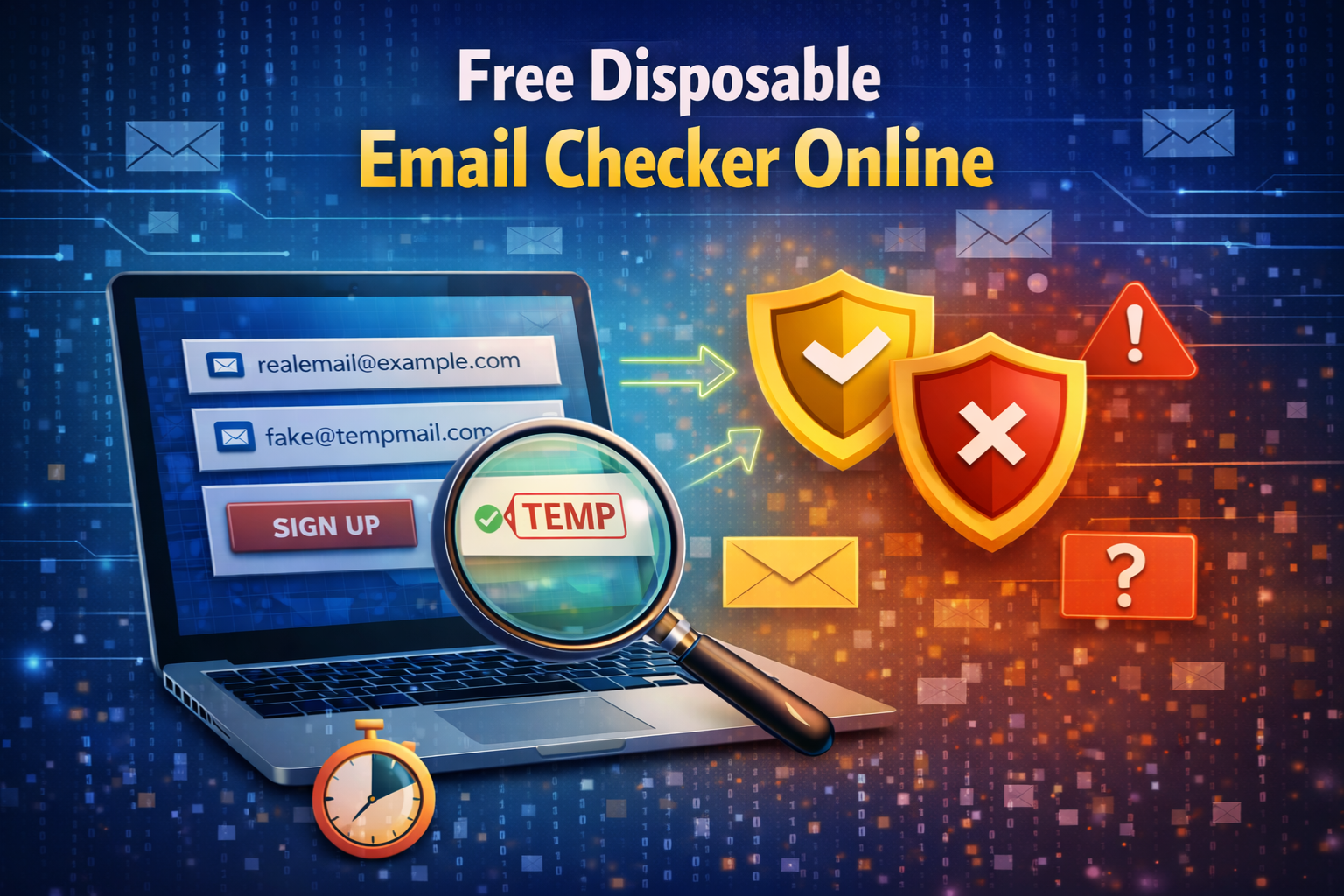
A free disposable email checker online is a web-based tool that analyzes any email address and tells you whether it belongs to a temporary, throwaway, or disposable email service—instantly and at no cost.
Unlike paid enterprise tools that require subscriptions, API keys, or lengthy onboarding processes, a free online checker gives anyone — website owners, marketers, developers, or everyday users — the ability to check any email address in seconds directly from their browser.
The best free checkers do not just look at the email address itself. They run multiple checks simultaneously — format validation, DNS lookup, MX record verification, and comparison against a live database of known disposable email providers — and return a clear, actionable result in under a second.
You can try this right now for free using the MailScan Disposable Email Checker by Zeptempmail — no account, no signup, and no cost required.
How Disposable Email Addresses Work
To understand why a disposable email checker is necessary, it helps to understand how throwaway email services work in the first place.
A disposable email service—like the free temporary email provided by Zeptempmail—generates a working inbox instantly, without requiring any registration or personal information. The user gets a real email address with a real domain that can receive messages immediately.
The key difference from a permanent email address is lifespan. Disposable inboxes typically expire after a short period — anywhere from a few minutes to a few hours — and then vanish entirely. Any email sent to that address after expiry goes nowhere.
This makes throwaway email services genuinely useful for legitimate privacy purposes:
- Signing up for a service you are not sure you trust yet
- Avoiding spam when downloading a free resource
- Testing a website or application without using your real inbox
- Accessing one-time verification codes without exposing your personal email
However, the same functionality that protects privacy-conscious users can also be exploited to abuse free trials, create multiple fake accounts, or inflate signup numbers—which is why detecting disposable emails has become so important for anyone running a website or managing an email list.
What Happens When Disposable Emails Enter Your System
Many website owners do not realize how much damage disposable email addresses cause until the problems have already accumulated. Here is what typically happens when throwaway addresses make it into your database unchecked:
Your Bounce Rate Climbs
Once a disposable inbox expires, any email you send to that address bounces. If enough of these addresses accumulate in your list, your overall bounce rate rises. Email service providers interpret a high bounce rate as a sign of poor list management and begin routing your emails to spam—affecting every subscriber on your list, not just the fake ones.
Your Engagement Metrics Become Meaningless
Open rates, click-through rates, and conversion rates are calculated based on your total subscriber count. When a significant portion of those subscribers register with throwaway addresses and never engage, your metrics drop—making it impossible to accurately measure the performance of your actual campaigns.
Free Trial and Referral Abuse Escalates
Users who want to abuse your free trial, claim a referral bonus multiple times, or bypass a one-time offer can do so easily with disposable emails. Each new throwaway address is essentially a new identity—and without detection, there is nothing to stop them from repeating the cycle indefinitely.
Your Marketing Budget Shrinks
Most email platforms charge based on the number of active subscribers. If thousands of those subscribers registered with disposable addresses, you are paying for contacts that will never open, click, or convert. That cost adds up quickly over months and campaigns.
Free vs. Paid Disposable Email Checkers: Full Comparison
One of the most common questions people ask is whether a free disposable email checker is as good as a paid one. The honest answer depends on what you need.
| Feature | Free Checker | Paid Checker |
|---|---|---|
| Disposable email detection | Yes | Yes |
| Format validation | Yes | Yes |
| DNS and MX record check | Yes | Yes |
| Real-time results | Yes | Yes |
| Bulk list verification | No | Yes |
| API access | Limited | Full access |
| Database update frequency | Regular | More frequent |
| Volume limits | Sometimes | High or unlimited |
| Cost | Free | Monthly fee |
| Best for | Individual checks, small sites | Enterprise, large lists |
For individual email checks, small websites, and anyone getting started with email verification, a free tool covers everything you need. The Zeptempmail Email Verification Tool handles all the essential checks—disposable detection, DNS lookup, and MX record validation—completely free with no usage limits for individual checks.
Paid tools make sense when you need to verify tens of thousands of addresses in bulk, require deep API integration into a complex platform, or need enterprise-level support and SLA guarantees.
7 Signs an Email Address Is Disposable
Even before running a checker, certain signals suggest an email address might be throwaway. Knowing these patterns helps you understand what a good checker is looking for:
1. The domain is unfamiliar. Major email providers — Gmail, Outlook, Yahoo, iCloud, and corporate domains — are well known. If the domain after the @ looks unfamiliar or random, it is worth checking.
2. The username is a random string of characters. Legitimate users typically choose usernames based on their name or something meaningful. An address like xk7mp29q@domain.com suggests auto-generation.
3. The domain is very new. Disposable email providers frequently register new domains to avoid detection. A domain that was registered days or weeks ago is suspicious.
4. There are no MX records. If a domain cannot receive email—because it has no mail exchange records—any address at that domain is effectively invalid.
5. The domain appears on known throwaway lists. Hundreds of disposable email domains are publicly documented and regularly updated in checker databases.
6. Zero engagement after signup. When an email address never opens a single message across multiple sends, the inbox is almost certainly expired or abandoned.
7. The user signed up and immediately disappeared. Disposable email users often complete a one-time action—claiming a download or activating a free trial—and never return. This behavioral pattern, combined with zero email engagement, is a strong signal.
How to Use a Free Disposable Email Checker Online: Step-by-Step
Using a free checker takes less than a minute from start to finish. Here is the full process:
Step 1 — Open the checker tool Go to the MailScan Email Verification Tool by Zeptempmail. The tool loads instantly in your browser — no account creation or login required.
Step 2—Enter the email address. Type or paste the email address you want to verify into the input field. This can be an address from a signup form, a contact inquiry, a lead list, or any other source.
Step 3—Click Scan. Press the scan button. The tool immediately begins running all checks in parallel — format validation, DNS lookup, MX record check, and disposable provider database comparison.
Step 4—Read your result Within a second, the tool displays a clear result. You will see whether the address is a legitimate permanent inbox, a known disposable or temporary email, or an invalid address that cannot receive email.
Step 5 — Take action based on the result If the email is legitimate, proceed as normal. If it is disposable or invalid, reject the submission, ask the user for a different address, or flag the account for review depending on your platform’s policy.
That is the entire process. Five steps, under ten seconds, completely free.
Where to Use a Disposable Email Checker
A free disposable email checker is useful in more situations than most people realize:
On Your Website Signup Form
Integrate email checking directly into your registration flow. Every email entered gets checked in real time before the form is submitted. Invalid and disposable addresses are caught immediately, and the user is asked to provide a permanent email instead. For a deeper look at this use case, see our guide on using an email verification tool for signup forms.
Before Sending an Email Campaign
Run your full subscriber list through a checker before your next campaign. Remove all disposable and invalid addresses beforehand so your bounce rate stays low and your sender reputation stays protected.
When Qualifying New Leads
Any lead that comes in through a contact form, event registration, or manual entry should be verified before entering your CRM. A disposable email address on a sales lead is a clear signal that the contact is either low-quality or not genuinely interested.
During a Database Audit
Schedule a periodic audit — every three to six months — where you run your entire existing database through a disposable email checker. Remove expired throwaway addresses and re-verify any that show suspicious patterns.
When Reviewing Suspicious Accounts
If a user account triggers a fraud alert—unusual activity, multiple signups from the same IP, or rapid trial abuse—checking the email address used at registration often confirms the suspicion immediately.
Best Practices for Getting the Most Out of a Free Checker
Check at the point of entry, not after the fact. The most efficient place to use a disposable email checker is on your signup form. Catching bad addresses before they enter your system is always easier than cleaning them out later.
Combine checking with double opt-in. A disposable email checker filters out clearly fake and throwaway addresses. Double opt-in confirmation then verifies that the remaining addresses belong to someone who actively controls that inbox. Together, these two methods provide a very strong guarantee of list quality.
Do not block every unusual email. Some legitimate users have custom domain addresses, regional providers, or older email services that might look unfamiliar. A good checker flags confirmed disposable providers—not just anything that is not Gmail or Outlook. Avoid over-blocking.
Show clear, helpful error messages. When a disposable or invalid email is detected, tell the user exactly what happened and what they need to do. A message like “This appears to be a temporary email address — please use a permanent email to continue” is far more helpful than a generic error.
Re-verify your list regularly. New disposable email domains appear constantly. An address that passed your checker six months ago might belong to a domain that has since been added to the throwaway provider database. Periodic re-verification keeps your list current.
Frequently Asked Questions (FAQs)
What is the best free disposable email checker online?
The MailScan Email Verification Tool by Zeptempmail is a completely free, browser-based checker that detects disposable, temporary, and invalid email addresses instantly. No account or payment is required.
How does a disposable email checker know which emails are throwaway?
It compares the domain of the email address against a regularly updated database of known disposable and temporary email providers. It also checks DNS and MX records to confirm the domain’s mail infrastructure is legitimate.
Can I check multiple emails at once with a free tool?
Most free checkers are designed for individual address checks. If you need to verify a large list in bulk, a paid tool with batch processing capabilities is more appropriate. For individual checks, a free tool like the one at temp-mail.org works perfectly.
Will blocking disposable emails frustrate real users?
Not if you handle it correctly. Most genuine users understand why a platform requires a real email address—especially if your error message explains the reason clearly. Disposable email users who are genuinely interested in your service will almost always provide a real address when asked.
Is it safe to enter email addresses into a free online checker?
Reputable tools like the Zeptempmail email verification tool do not store or misuse the addresses you check. The verification process queries public DNS information — no private data is accessed or retained.
Can I use a disposable email myself for legitimate purposes?
Absolutely. Temporary email services are completely legal and widely used for privacy protection. The Zeptempmail free temp mail service gives you an instant disposable inbox with no registration. And if you need a unique anonymous username to go with it, the ZeptempMail Username Generator creates one in seconds.
Final Thoughts
A free disposable email checker online is one of the most practical tools available for anyone who manages an email list, runs a website with user registrations, or simply wants to verify whether an email address is real before acting on it. It costs nothing, takes seconds, and saves you from a wide range of problems — from damaged sender reputation to platform abuse and wasted marketing budget.
The best place to start is the MailScan Disposable Email Checker by Zeptempmail — free, instant, and no account required. Enter any email address and get a clear result in under a second.