There are dozens of guides online that list ten, fifteen, even twenty different methods to detect disposable email addresses.
And while layering multiple defenses is always a good long-term strategy, most website owners, developers, and marketers do not need a complex system to get started.
They need one reliable method that works immediately — something they can understand, apply, and see results from today.
This guide focuses on exactly that.
One simple trick that catches the overwhelming majority of disposable email addresses instantly—and how you can use it right now, completely free.
The One Simple Trick: Check the Domain, Not the Address
Most people who want to detect disposable emails focus on the wrong thing. They analyze the username looking for random characters, suspicious patterns, and unusual length. While these signals can be helpful, they are unreliable.
A disposable email address can have a perfectly normal-looking username like james.wilson or sarah92. The username tells you very little.
The domain tells you almost everything.
Every email address has two parts separated by the “@” symbol—the username on the left and the domain on the right. When someone signs up using a throwaway email service, they cannot change which domain their address uses. The domain is fixed by the service they chose. And those domains—Mailinator.com, GuerrillaMail.com, 10MinuteMail.com, and hundreds of others—are publicly known, documented, and detectable in under a second.
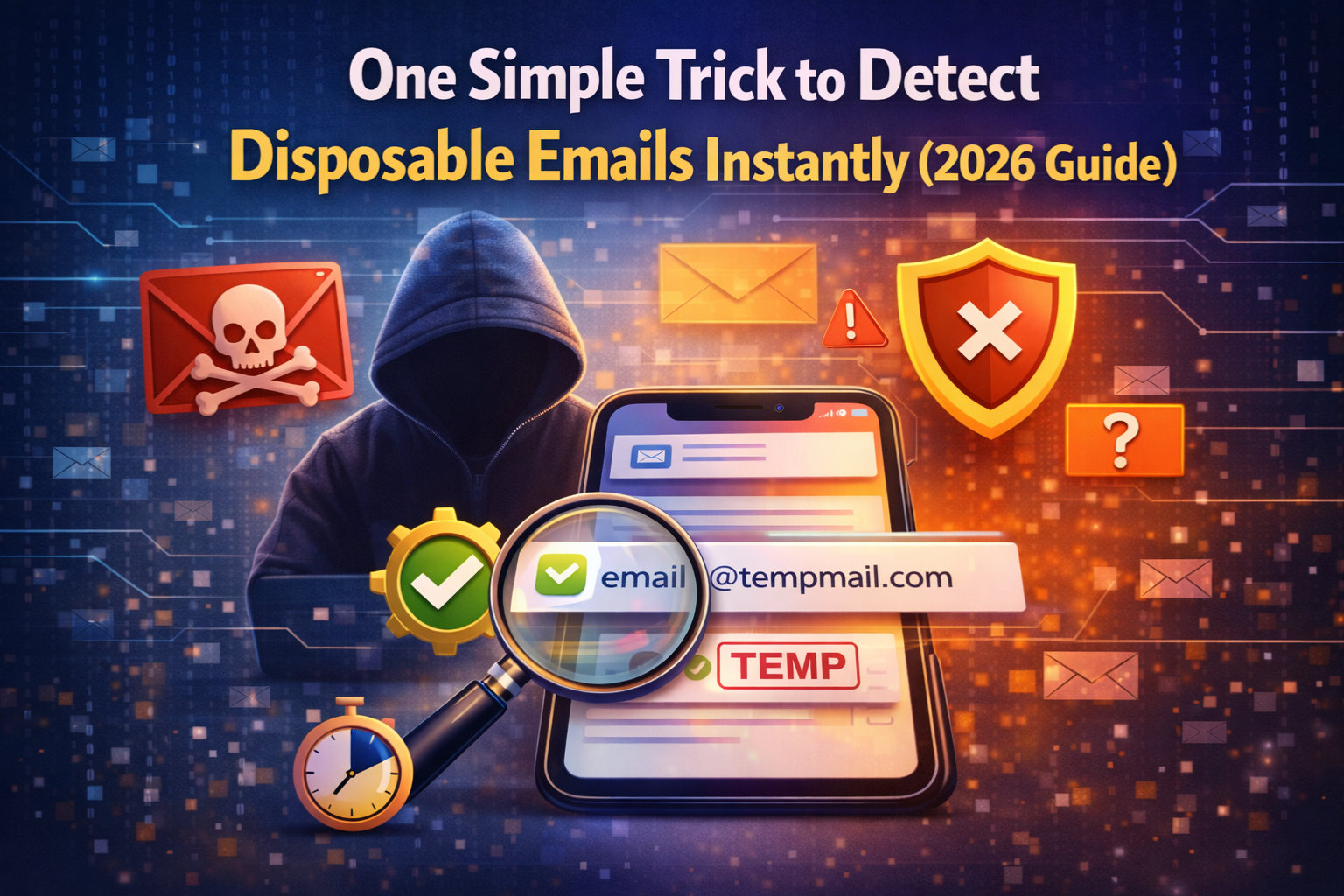
The trick is simple: check the domain of the email address against a live database of known disposable email providers. If the domain matches, the email is disposable. If it does not match, it passes to the next stage of verification.
That is it. One check, one result, instant detection for the vast majority of throwaway emails.
Why the Domain Check Works So Well
To understand why this trick is so effective, it helps to understand how disposable email services operate.
A disposable email provider registers one or more domains and builds an inbox system on top of them. Users visit the service—like the free temporary email service at Zeptempmail—and instantly get an address at that domain. No registration, no password, no personal information required.
The provider owns the domain. The provider controls the inbox. And because the provider needs a consistent domain for their service to work, that domain does not change. It stays the same for months or years, which means it can be documented, tracked, and added to a detection database.
This is the fundamental vulnerability of disposable email services from a detection standpoint: the throwaway inbox is anonymous, but the domain behind it is completely public and permanent. Checking that domain takes milliseconds and immediately reveals whether the address came from a known throwaway provider.
How to Apply This Trick Right Now — For Free
You do not need to build your own domain database or write any code to use this trick immediately. A free tool already does the work for you.
The MailScan Email Verification Tool by ZeptempMail applies this exact domain-checking method combined with DNS lookup and MX record verification every time you enter an email address. Here is how to use it:
Step 1 — Visit the tool Go to the Zeptempmail email verification tool in your browser. No account is needed, and the tool is completely free.
Step 2 — Enter the email address. Type or paste any email address into the input field from a signup form, a lead inquiry, a contact submission, or anywhere else.
Step 3—Click Scan The tool instantly checks the domain against its live database of known disposable providers, verifies DNS records, and confirms whether MX records exist for mail delivery.
Step 4—Read the result Within a second you will know whether the email is a legitimate permanent address or a disposable throwaway. The result is clear and immediate no interpretation needed.
That is the entire process. The domain check happens automatically in the background, and you get a reliable answer in seconds.
What the Domain Check Catches — And What It Misses
No single method catches every type of fake or problematic email. Understanding the limits of this trick helps you decide whether you need additional layers.
What domain checking catches well:
Known disposable provider addresses. Any email from a domain that is already documented in the disposable provider database is caught immediately and accurately.
This covers the vast majority of throwaway email usage the most popular disposable services use the same domains repeatedly, making them easy to detect.
Newly registered throwaway domains. Good verification tools update their databases regularly as new disposable providers emerge. The MailScan tool at ZeptempMail uses a live database that is maintained and updated to stay current with new throwaway domains.
Non-existent domains. If the domain in the email address does not exist at all no DNS records, no web presence the domain check catches this immediately. An address at a non-existent domain is always invalid.
Domains with no mail infrastructure. If a domain exists but has no MX records meaning it cannot receive email this is caught during the MX record check that runs alongside the domain database comparison.
What domain checking may miss:
Brand new disposable domains. There is always a small window between when a new throwaway service launches and when its domain gets added to detection databases. During this window, addresses from that new service may pass the domain check.
Catch-all domains. Some domains accept any email address regardless of whether it actually exists. These pass domain checks because the domain itself is legitimate—but any specific address at that domain may or may not reach a real person.
Personal domains used for privacy. A sophisticated user might register their own private domain specifically to receive email without revealing their main address. These custom domains will not appear in disposable provider databases.
For most websites and platforms, what the domain check catches is more than enough to eliminate the overwhelming majority of disposable signups. The edge cases that slip through represent a small minority of total disposable email usage.
Disposable Email Domains vs Legitimate Email Domains: A Clear Comparison
Understanding the difference between the two helps you see exactly what the domain check is looking for.
| Signal | Disposable Domain | Legitimate Domain |
|---|---|---|
| Age | Often newly registered | Established, sometimes decades old |
| Web presence | Minimal or none | Full website, brand identity |
| MX records | Present but anonymous | Present, linked to known providers |
| Appears in databases | Yes — flagged as throwaway | No — clean record |
| Associated with real organization | No | Usually yes |
| Inbox lifespan | Minutes to hours | Permanent |
| User registration required | No | Yes |
| Spam and fraud history | Often yes | Rarely |
When a domain check runs against a database of known disposable providers and finds a match on any of these signals, the email is flagged immediately. The more signals that match, the higher the confidence in the detection result.
Why This Trick Is Better Than Relying on Username Patterns
Many guides suggest analyzing the username portion of an email address for suspicious patterns random characters, excessive numbers, and unusual length. While this can occasionally catch auto-generated addresses, it is far less reliable than domain checking for several reasons.
Legitimate users have unusual usernames too. A real person named Mohammed Al-Rashid might have a username like m.al.rashid92 that looks suspicious to a pattern-matching algorithm.
A student named Xiaoming Zhang might use xz2031. Blocking based on username patterns creates a real risk of rejecting genuine users.
Disposable email users can choose normal-looking usernames. Many throwaway services let users choose their own username—so a disposable address can look exactly like john.smith@throwaway.com. Pattern analysis would not catch this at all.
Domain patterns do not change. A disposable email provider cannot change which domain they use without rebuilding their entire service. The domain is fixed, which makes it a stable, reliable detection target that username patterns can never match.
This is why the domain check is the one trick that consistently outperforms other individual methods. It targets the one part of a disposable email address that the user cannot easily disguise.
Combining the Domain Check With One More Layer
While the domain check alone catches most disposable emails, adding one additional layer double opt-in confirmation creates a much stronger defense with almost no extra complexity.
Here is how the two work together:
Layer 1 — Domain check at signup: Catches all emails from known disposable providers, non-existent domains, and domains without mail infrastructure. It runs instantly and blocks the clear majority of fake signups before they enter your system.
Layer 2 — Double opt-in confirmation: Sends a confirmation email to every address that passes Layer 1.
The user must click a link in that email to activate their account.
This catches the small number of disposable addresses that slipped past the domain check because the user needs a working inbox to complete confirmation, and if that inbox has expired, activation never happens.
Together, these two layers domain checking and double opt-in eliminate virtually all disposable email signups without adding significant friction for genuine users. A real user clicks a confirmation link and moves on.
A fake signup either gets blocked at Layer 1 or never completes Layer 2.
For a deeper look at how email verification integrates into signup forms, see our full guide on email verification tools for signup forms.
Real Examples of Disposable Domains the Trick Catches
To make this concrete, here are examples of the types of domains that a well-maintained disposable provider database flags immediately:
High-volume known providers domains associated with popular throwaway email services that generate millions of temporary addresses. These are the most commonly used domains and are always the first to be added to detection databases.
Short-lived rotating domains services that register new domains frequently to avoid detection. Good databases track these patterns and add new domains quickly as they are identified.
Domain clusters some disposable providers register multiple domains that all point to the same inbox infrastructure. A good checker flags the entire cluster, not just the most well-known domain in the group.
Spam-associated domains some domains appear in both disposable provider databases and spam blacklists. These are flagged with the highest confidence because they have a documented history of abuse.
Every time you run an address through the free MailScan tool at Zeptempmail, it checks against all of these categories simultaneously giving you the most comprehensive domain-based detection available for free.
Who Benefits Most From This Trick
Small website owners
You do not need an enterprise verification system or a developer to implement this. Using a free online checker on your signup form or simply running suspicious addresses through it manually gives you immediate protection with zero cost and zero technical complexity.
Email marketers
Before your next campaign, run your list through a domain checker. Any address at a known disposable domain gets removed before sending. This alone can reduce your bounce rate significantly and protect your sender reputation.
Developers building registration systems
Understanding the domain check helps you build more effective email validation into your apps. Rather than just checking email format, your registration logic can query a disposable provider database in real time catching throwaway addresses at the exact moment of signup.
Anyone verifying a contact
Received an email from someone you do not know? Not sure if the address is real? A quick domain check tells you in seconds whether the address is from a legitimate provider or a throwaway service helping you decide whether to invest time in a response.
Frequently Asked Questions (FAQs)
Why is checking the domain more effective than checking the username?
The domain is the fixed, public part of a disposable email address. Users can choose any username they want including normal-looking ones but they cannot change which domain their throwaway service uses. Domain checking targets the one element that cannot be disguised.
How up-to-date is the disposable domain database?
Good tools update their databases regularly as new disposable email services emerge. The Zeptempmail email verification tool uses a maintained database that stays current with newly registered throwaway domains.
Can someone avoid detection by using a custom domain?
A sophisticated user who registers their own private domain specifically to use as a throwaway inbox will not be caught by a domain database check—because their domain is new and not yet documented. However, this represents a very small minority of disposable email usage and requires technical knowledge most users do not have.
Is this trick enough on its own?
For most websites and platforms, the domain check catches the vast majority of disposable signups. For stronger protection, combine it with double opt-in confirmation as described above. For maximum security, add real-time MX record verification and behavioral monitoring after signup.
How do legitimate temporary email services like Zeptempmail fit into this?
Services like the Zeptempmail temp mail service provide temporary inboxes for legitimate privacy purposes avoiding spam, testing apps, and protecting personal email from unwanted promotions. Their domains will appear in disposable provider databases, which is why websites that require genuine long-term user accounts block them at registration. If you want a unique online identity to go with a temporary inbox, the Zeptempmail username generator creates one instantly.
Does this trick work for all email providers?
The domain check works for any email address personal, business, or organizational. The only limitation is with completely new disposable domains that have not yet been added to detection databases. For these edge cases, MX record checking and double opt-in provide backup coverage.
Final Thoughts
You do not need a complex, multi-layered system to start detecting disposable emails effectively. The one trick that makes the biggest difference immediately, for free, with no technical setup is checking the domain of every email address against a live database of known throwaway providers.
It is fast. It is reliable. It catches the overwhelming majority of disposable signups. And you can apply it right now using the free MailScan Email Verification Tool by Zeptempmail enter any email address and get an instant result in under a second.
Start with this one trick. Add double opt-in as a second layer when you are ready. And build from there as your needs grow.