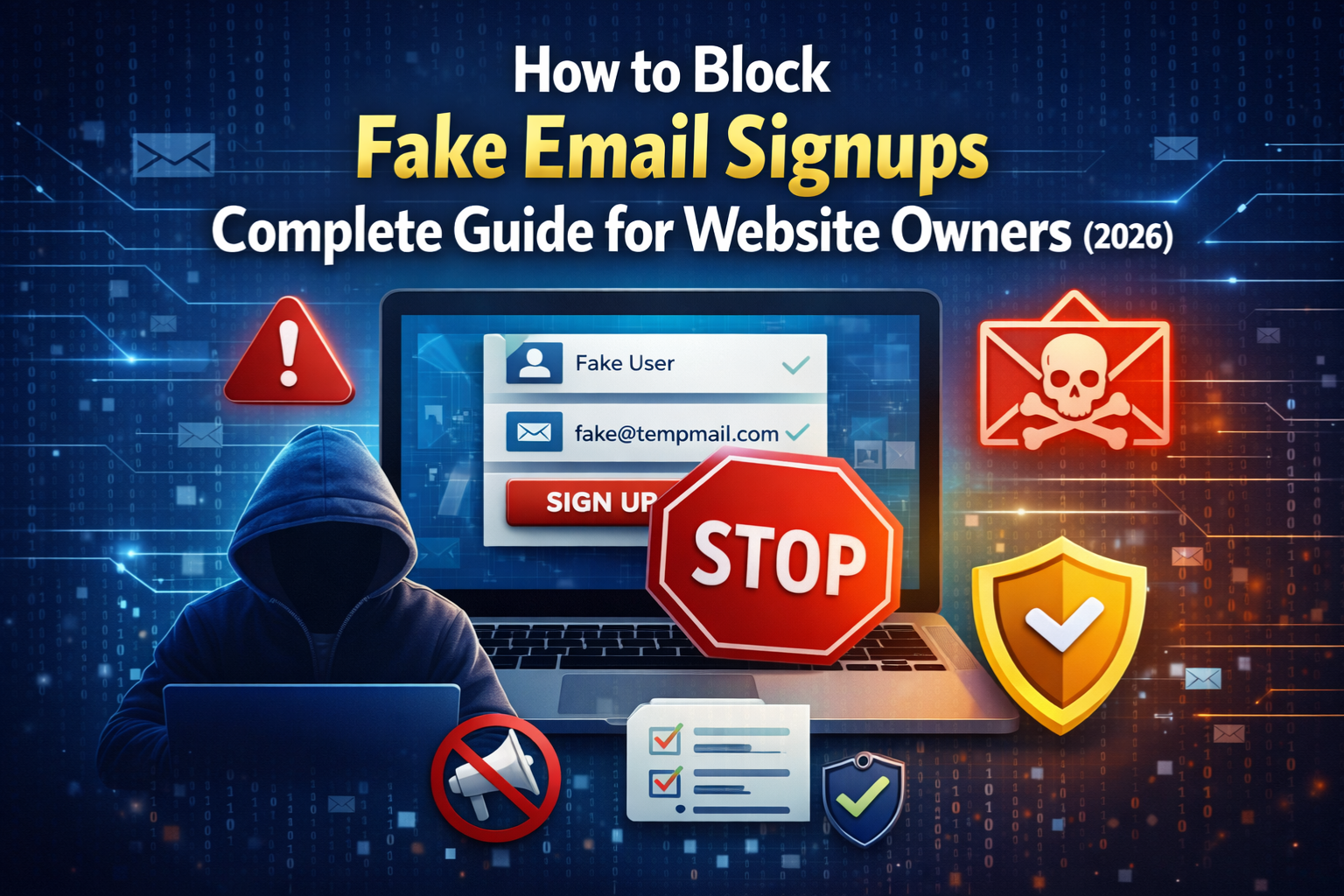
If you manage a website, run an online business, or maintain any kind of user registration system, fake email signups are one of the most frustrating problems you will face. Every day, bots and real users alike register on websites using disposable, fake, or invalid email addresses—and the damage this causes can be significant.
In this complete guide, you will learn exactly how to block fake email signups, which tools and techniques work best, and how to protect your platform without creating unnecessary friction for your genuine users.
What Are Fake Email Signups?
Fake email signups happen when someone registers on your website using an email address that is either:
- Disposable or temporary—created just for one-time use through services like throwaway inboxes
- Invalid — an email that does not exist or has a typo
- Stolen or borrowed—someone else’s email address used without permission
- Bot-generated—automatically created by scripts to exploit free trials, referral bonuses, or platform features
The result in every case is the same—your user database fills up with addresses that belong to no real, engaged person. This inflates your numbers, hurts your email deliverability, and opens the door to fraud and abuse.
Why Fake Email Signups Are a Serious Problem
Before we get into solutions, it is worth understanding the full scale of the damage fake signups can cause.
Damaged Sender Reputation
When you send emails to invalid or disposable addresses, those emails bounce. Email service providers like Gmail, Outlook, and Yahoo track your bounce rate closely. A high bounce rate signals that you are either buying email lists or not verifying your signups—and they will start routing your emails straight to spam or block your domain entirely.
Wasted Marketing Budget
Most email marketing platforms charge based on the number of contacts in your list. If thousands of those contacts are fake, you are paying for subscribers who will never open, click, or convert. That is money going directly to waste every single month.
Fraud and Platform Abuse
Fake signups are the entry point for a range of fraudulent behaviors—exploiting free trial limits, claiming referral bonuses multiple times, bypassing account bans, and accessing gated content without legitimate credentials. All of these hurt your business directly.
Unreliable Analytics
Your signup numbers, conversion rates, and engagement metrics all become meaningless when a significant portion of your users are fake. This makes it impossible to make good decisions based on your data.
Fake Email vs Real Email: Quick Comparison
Understanding what separates a fake signup from a real one helps you build better defenses.
| Signal | Fake / Disposable Email | Real Email |
|---|---|---|
| Domain type | Known throwaway domain | Gmail, Yahoo, company domain |
| MX records | Missing or temporary | Active and valid |
| Email lifespan | Minutes to hours | Long-term |
| Engagement | Zero opens, zero clicks | Normal activity |
| Registration speed | Instant, often automated | Human-paced |
| Username pattern | Random characters | Name-based or meaningful |
This comparison shows that fake emails leave multiple signals — and a smart detection system can catch them at several different points.
8 Proven Methods to Block Fake Email Signups
1. Use a Real-Time Email Verification Tool
The most effective first line of defense is verifying every email address the moment it is entered. A real-time verification tool checks whether the email is valid, whether the domain exists, and whether it belongs to a known disposable provider—all before the user can complete registration.
The MailScan Email Verification Tool by Zeptempmail is a free tool that does exactly this. You can paste any email address into it and instantly see whether it is temporary, disposable, or a legitimate permanent inbox. For website owners, integrating a similar API into your registration form gives you automatic, real-time protection against fake signups.
2. Block Known Disposable Email Domains
There are hundreds of well-known disposable email providers—mailinator.com, guerrillamail.com, 10minutemail.com, and many more. You can maintain a blocklist of these domains and reject any registration that uses them.
The challenge is that new disposable domains appear constantly. To understand how these services work and why users turn to them, you can read more on the Zeptempmail homepage, which explains the typical use case for temporary email services.
Because disposable providers change so frequently, a static blocklist alone is not enough. Use it as one layer within a broader strategy, not your only defense.
3. Require Email Confirmation Before Account Activation
Double opt-in — requiring users to click a confirmation link sent to their email before their account is activated — is one of the oldest and most effective anti-fake-signup methods available.
Here is why it works: even if a user signs up with a disposable email, they still need to access that inbox and click the link. While this does not completely block throwaway emails, it does eliminate:
- Mistyped email addresses
- Emails with invalid domains
- Bot signups that never check an inbox
- Lazy attempts to use a fake address without actually generating a working temporary one
Double opt-in also signals to email providers that your list is verified and permission-based, which improves your deliverability significantly.
4. Add CAPTCHA to Your Signup Form
A significant portion of fake signups are bot-driven—automated scripts that fill in your registration form hundreds of times per minute. CAPTCHA challenges (the “prove you are human” tests) are specifically designed to stop this.
Modern invisible CAPTCHA solutions from Google (reCAPTCHA v3) and similar services can distinguish bots from humans without asking users to solve puzzles. They work silently in the background and block automated signups before they ever reach your database.
CAPTCHA alone will not stop a real human using a disposable email — but combined with email verification, it eliminates the automated layer of fake signups entirely.
5. Monitor and Analyze Email Engagement
Not every fake email is caught at the point of signup. Some disposable addresses are sophisticated enough to pass basic checks. This is where post-registration monitoring becomes valuable.
Set up engagement tracking for all new users and watch for these red flags:
- Zero email opens after two or three sends
- Hard bounces within days of registration
- No activity on the platform — no logins, clicks, or interactions
- Immediate unsubscribes right after confirmation
Users who show all of these signs are almost certainly registered with a fake or abandoned email. You can suppress them from your active list, trigger a re-verification request, or remove them entirely from your database.
6. Restrict Suspicious Email Patterns at Registration
Your registration form can include basic pattern validation that flags suspicious email addresses before they are even submitted. Watch for:
- Usernames made of random characters (e.g., xk7mp29@domain.com)
- Very short usernames (one or two characters before the @)
- Strings of numbers with no letters
- Domains that are very new or have no web presence
You can add custom validation logic to your signup form that flags these patterns and either blocks registration or routes the account for manual review. This is not a perfect method on its own but adds an extra layer of friction that deters lazy fake signups.
7. Implement Rate Limiting on Registrations
If your platform is being hit by automated fake signups, rate limiting is an essential control. Rate limiting means restricting how many signup attempts can come from the following:
- The same IP address within a time window
- The same browser or device fingerprint
- The same geographic location in a short period
This does not stop individual fake signups but prevents bulk abuse, where a script creates thousands of fake accounts in minutes. Combined with CAPTCHA, it makes automated attacks on your registration system much harder to execute.
8. Use a Honeypot Field
A honeypot is a hidden field added to your signup form that is invisible to real users but visible to bots. Real users never fill in a hidden field. Bots, which automatically fill every visible field they detect, will fill it in.
When your server receives a submission with the honeypot field filled, it knows the submission came from a bot and rejects it silently — without showing an error to the bot, which would trigger it to adapt its behavior.
Honeypots are simple to implement, add zero friction for real users, and are surprisingly effective at blocking automated fake signups.
How to Choose the Right Combination of Methods
No single method is perfect on its own. The best approach is to layer multiple defenses so that even if one method fails, others catch what it misses.
Here is a recommended layered strategy based on your platform type:
For small websites and blogs: Start with double opt-in confirmation and a basic disposable domain blocklist. These two methods alone eliminate the majority of low-effort fake signups.
For growing platforms and SaaS products: Add real-time email verification at the point of registration using a tool like the MailScan Email Verification Tool, combined with CAPTCHA and rate limiting.
For large platforms with high fraud risk: Implement the full stack—real-time API verification, CAPTCHA, honeypot fields, rate limiting, domain blocklists, and ongoing engagement monitoring with automated suppression of inactive accounts.
What Happens to Users Who Use Temporary Email Services?
It is important to understand that not everyone who uses a disposable or temporary email address has bad intentions. Many privacy-conscious users rely on services like Zeptempmail’s free temporary email to avoid spam when signing up for tools they are not sure about yet.
Some of these users may be your most technically sophisticated potential customers — developers testing your product, researchers evaluating your service, or simply cautious individuals who protect their personal inbox.
This is why the best approach is not to simply block all temporary emails but to design your verification system thoughtfully. If your platform genuinely requires real, long-term communication with users, blocking disposable emails at registration and explaining why helps users understand the requirement and comply willingly.
Frequently Asked Questions (FAQs)
What is the fastest way to block fake email signups?
The fastest solution is to add a real-time email verification check to your registration form. The ZeptoMail Email Verification Tool lets you test this instantly—just enter an email and see whether it is disposable or legitimate.
Can I block fake emails without hurting real users?
Yes. The best methods — real-time verification, double opt-in, and CAPTCHA — add almost no friction for genuine users while blocking the majority of fake signups automatically.
Is it enough to just use CAPTCHA?
No. CAPTCHA is very effective against bots but does nothing to stop a real human signing up with a disposable email address. You need email verification in addition to CAPTCHA for complete protection.
Do disposable email addresses always look suspicious?
Not always. Some disposable email providers use domains that look legitimate at first glance. This is why real-time domain checking and MX record analysis—rather than just visual inspection—are necessary for reliable detection.
How does double opt-in help block fake signups?
Double opt-in requires users to access their inbox and click a confirmation link. This filters out mistyped addresses, invalid domains, and many bot signups. Users who register with a completely non-functional fake email will never be able to confirm their account.
What should I do with fake accounts already in my database?
Run your existing email list through a verification tool, segment out addresses that bounce or show zero engagement, and either suppress or remove them. Doing a periodic list clean every three to six months keeps your database healthy long-term.
How do I generate unique usernames for anonymous accounts safely?
If you allow anonymous or pseudonymous registrations, you can let users generate safe, unique usernames using the Zeptempmail Username Generator—it creates random usernames instantly without storing any personal data.
Final Thoughts
Fake email signups are a persistent problem for any website or platform that collects user registrations—but they are absolutely manageable with the right systems in place. The key is to layer multiple detection and blocking methods so that your defenses catch both automated bot attacks and manual fake signups from real humans using temporary addresses.
Start with real-time email verification using a free tool like MailScan by Zeptempmail, add a double opt-in flow, implement CAPTCHA, and monitor engagement after registration. These four steps alone will eliminate the overwhelming majority of fake signups and protect your platform, your sender reputation, and your marketing budget.