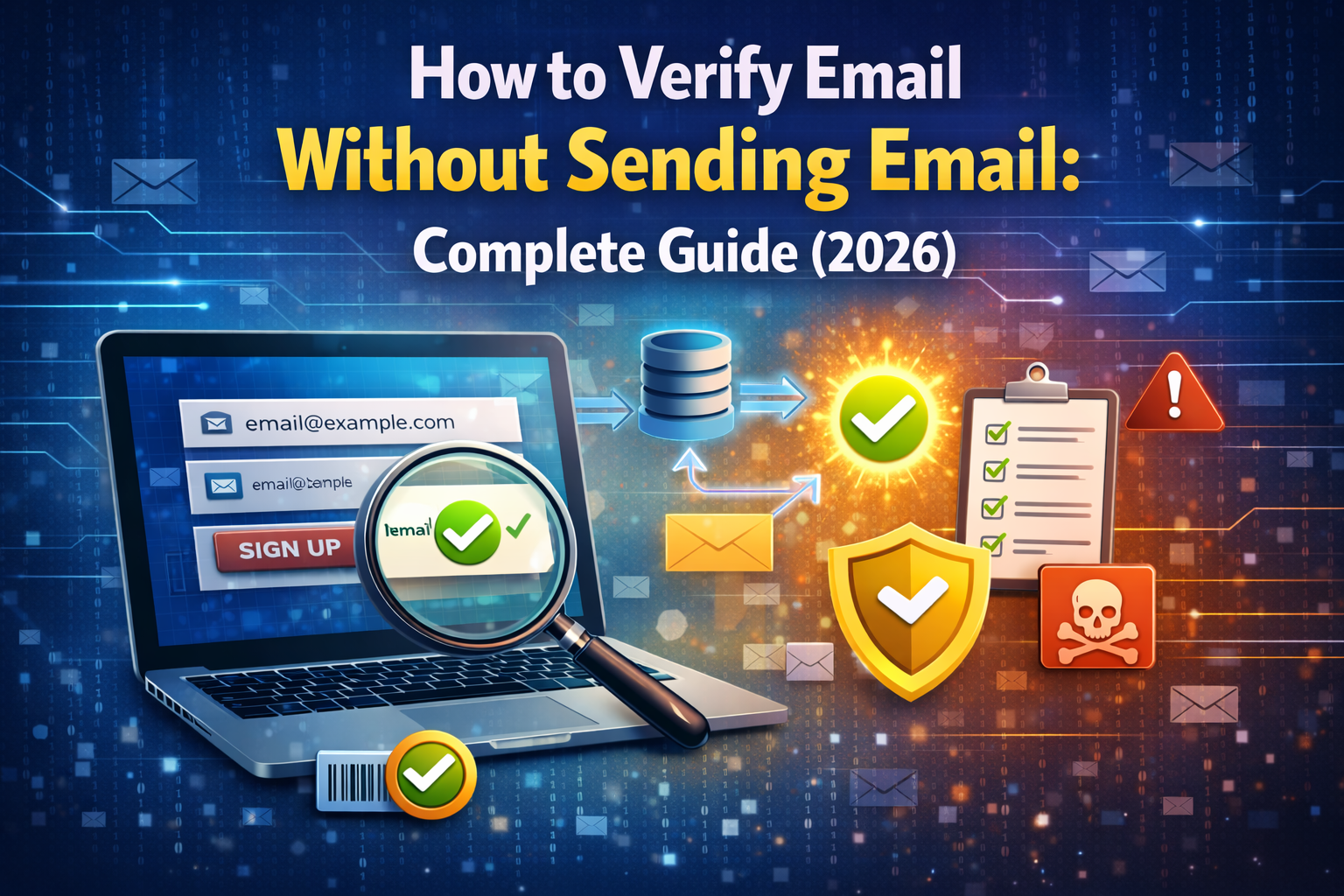
Most people assume that the only way to check whether an email address is real is to send a message and wait to see if it bounces. But that approach is slow, damages your sender reputation, and gives fraudulent or disposable addresses a free pass into your system before you even realize the problem.
The good news is that you can verify an email address completely without sending a single email. In this guide, you will learn exactly how email verification without sending works, which methods are most reliable, and how to use free tools to check any email address instantly.
Why You Should Verify Email Without Sending One
Sending a test email to verify an address sounds logical, but it creates several serious problems:
It damages your sender reputation. Every email you send to an invalid address comes back as a hard bounce. Internet service providers track your bounce rate, and a high rate signals that you are not managing your list properly. This leads to your emails being routed to spam or your domain being blacklisted entirely.
It is slow. Waiting for a bounce notification can take minutes, hours, or sometimes days. Real-time verification without sending gives you an instant answer.
It alerts spammers. If you send a probe email to a spam trap an address deliberately set up to catch poor email practices you get flagged immediately. Checking without sending avoids this risk entirely.
It does not scale. If you are trying to validate thousands of addresses, sending individual test emails is completely impractical. Non-sending verification methods can check large numbers of addresses in seconds.
The solution is to use technical methods that inspect the email address and its domain infrastructure directly no message required.
Method 1: Syntax and Format Validation
The first and simplest check requires no network connection at all. Every valid email address must follow a specific structure:
- A username (letters, numbers, dots, underscores, hyphens)
- The @ symbol
- A domain name
- A valid top-level domain (like .com, .org, .net)
An address like john.doe@gmail.com passes this check. An address like “johndoe@” or “@gmail” fails immediately.
Format validation is fast and catches a large number of typos and obviously fake addresses right away. However, it cannot tell you whether the domain actually exists or whether the address belongs to a disposable email provider. That requires the next methods.
Method 2: DNS Lookup — Check If the Domain Exists
Once the format is confirmed valid, the next step is to check whether the domain in the email address actually exists on the internet. This is done through a DNS (Domain Name System) lookup.
Every domain that exists on the internet has DNS records essentially a public directory entry that tells the internet what the domain is and what it does. If you look up a domain and find no DNS records, that domain does not exist which means any email address using that domain is invalid.
DNS lookups are completely passive. You are simply querying a public directory. No email is sent, no server is contacted, and the address owner has no idea you checked.
This method catches addresses like user@completelyfakedomain123.xyz where the domain does not actually exist even if the address looks correctly formatted at first glance.
Method 3: MX Record Lookup — Check If the Domain Can Receive Email
DNS lookup confirms a domain exists. But an existing domain does not automatically mean it can receive email. For that, you need to check MX records Mail Exchange records.
An MX record is a specific type of DNS entry that tells the internet which mail server is responsible for receiving email for a given domain. If a domain has no MX records, it cannot receive any email which means any address at that domain is effectively undeliverable.
Here is what MX record checking looks like in practice:
- user@gmail.com → Gmail’s MX records exist and point to Google’s mail servers → Valid
- user@randomdomain.com → No MX records found → Cannot receive email → Invalid
- user@disposableservice.com → MX records exist but domain is a known throwaway provider → Disposable
MX record lookup is one of the most reliable non-sending verification methods available. It is fast, completely passive, and catches a large category of invalid addresses that format checking and basic DNS lookups miss.
The MailScan Email Verification Tool by ZeptempMail uses this exact approach—it checks MX records and domain validity in real time and gives you an instant result without sending any email to the address being checked.
Method 4: Disposable Email Provider Detection
Even an address that passes format validation, DNS lookup, and MX record checking can still be a throwaway address if it belongs to a known disposable email provider.
Disposable email services like those explained on the Zeptempmail homepage generate temporary inboxes that are technically functional they have real domains with valid MX records but are designed to be used once and discarded. Standard DNS-based checks cannot catch these because the infrastructure is real.
The solution is to check the email’s domain against a regularly maintained database of known disposable email providers. This database contains hundreds of throwaway domains and is updated frequently as new services appear.
When a domain match is found, the email is flagged as disposable regardless of whether its DNS and MX records look perfectly healthy. This is the layer that separates a basic email checker from a truly effective verification system.
Method 5: SMTP Handshake Verification (Without Sending)
This is the most technically advanced non-sending verification method. It involves connecting to the recipient domain’s mail server and initiating an SMTP conversation but stopping before any actual message is sent.
Here is how it works step by step:
Step 1: Look up the MX records for the email’s domain to find the mail server address.
Step 2: Open a connection to that mail server on port 25 (the standard email delivery port).
Step 3: Send an SMTP EHLO command to introduce the connection.
Step 4: Send a MAIL FROM command with a test sender address.
Step 5: Send an RCPT TO command with the email address being verified.
Step 6: Check the server’s response code. A 250 response means the address is accepted. A 550 or similar error means the address does not exist on that server.
Step 7: Send a QUIT command to close the connection without ever delivering a message.
The entire process happens at the protocol level no email is composed, no inbox is reached, and no message is delivered. You are simply asking the mail server whether it would accept a delivery to that address, then walking away.
This method is highly accurate but has limitations some mail servers are configured to return a 250 response for every address regardless of whether it exists (called a catch-all configuration), and some block verification attempts from unknown IP addresses.
Disposable Email vs. Invalid Email: What Is the Difference?
These two categories are often confused, but they are very different problems that require different detection methods.
| Type | Definition | Passes Format Check | Has Valid MX Records | Detection Method |
|---|---|---|---|---|
| Invalid email | Does not exist at all — bad format or nonexistent domain | No | No | Format + DNS + MX check |
| Disposable email | Exists temporarily — real domain, real inbox, but short-lived | Yes | Yes | Disposable provider database |
| Catch-all email | Domain accepts all mail even to non-existent addresses | Yes | Yes | SMTP handshake |
| Legitimate email | Real, permanent inbox belonging to a real user | Yes | Yes | All checks pass |
Understanding this distinction helps you choose the right verification method for your specific needs. If you are primarily concerned with fake signups, disposable detection is your most important layer. If you are cleaning an email marketing list, MX record checking and bounce analysis matter more.
How to Verify Any Email Without Sending — Step by Step
Here is a practical workflow you can follow to verify any email address without sending a message:
Step 1 — Check the format. Confirm the address follows the correct structure. Reject anything with obvious formatting errors.
Step 2 — Run a DNS lookup. Confirm the domain exists on the internet with active DNS records.
Step 3 — Check MX records. Confirm the domain has mail exchange records and can actually receive email.
Step 4 — Check against a disreputable provider database. Confirm the domain does not belong to a known throwaway email service.
Step 5 — Use a verification tool for instant results. Rather than running each of these checks manually, use a tool that does all of them simultaneously. The MailScan Email Verification Tool by ZeptempMail runs all of these checks in one scan and gives you an instant verdict—completely free, no signup required.
When Is Email Verification Without Sending Most Useful?
This approach is particularly valuable in several specific situations:
Signup Form Validation
As covered in our guide on email verification tools for signup forms, verifying emails at the point of registration without sending a confirmation email first gives you an immediate first filter. You stop bad addresses before they enter your database, then follow up with double opt-in for a second layer of confirmation.
Email List Cleaning
If you have an existing list of thousands or millions of addresses, sending test emails to all of them is not realistic. Running them through a non-sending verification process identifies invalid and disposable addresses instantly so you can remove them before your next campaign.
Developer and QA Testing
Developers building registration systems, email workflows, or CRM integrations often need to test with email addresses without actually sending messages to real inboxes. Non-sending verification lets you confirm that your validation logic works correctly without flooding real inboxes with test emails.
Lead Qualification
Sales and marketing teams collecting leads through forms, events, or manual entry can verify contact emails before adding them to a CRM or campaign. This ensures the team only spends time on leads with real, reachable email addresses.
Free Tools to Verify Email Without Sending
You do not need to build your own verification system from scratch. Several free tools can run these checks for you instantly:
The MailScan Email Verification Tool by ZeptempMail is the most straightforward option—enter any email address, click scan, and get an instant result showing whether the email is temporary, disposable, or a legitimate permanent inbox. It checks domain validity, MX records, and disposable provider databases all in one step. No account needed, completely free.
For users who also want to protect their own inbox from verification attempts by signing up for services anonymously, the Zeptempmail temp mail service provides a free temporary email address instantly—no registration required.
Frequently Asked Questions (FAQs)
Can I really verify an email address without sending anything?
Yes, completely. Methods like DNS lookup, MX record checking, and disposable provider detection all work by querying publicly available information about the email’s domain no message is sent at any point.
How accurate is email verification without sending?
For catching invalid formats, non-existent domains, and disposable email providers, non-sending verification is extremely accurate. The one category it can struggle with is catch-all domains servers that accept all email regardless of whether the specific address exists. For these, SMTP handshake verification or post-send engagement tracking is needed.
Is it legal to check someone’s email address without contacting them?
Yes. DNS lookups and MX record checks query publicly available infrastructure. You are not accessing anyone’s private data you are simply checking whether a domain can receive email, which is public information.
How long does non-sending email verification take?
With a tool like the Zeptempmail email verification tool, results come back in under a second for most email addresses. The entire process format check, DNS lookup, MX record check, and disposable provider detection happens simultaneously in the background.
What if I want to stay anonymous online while verifying emails?
If you are doing research or testing and want to protect your own identity online, you can use a randomly generated username from the Zeptempmail Username Generator alongside a temporary inbox for any accounts you need to create during testing.
Does non-sending verification work for all email providers?
It works for the vast majority of email providers. The main exception is catch-all domains, which accept any address regardless of whether it actually exists. Most major providers Gmail, Outlook, Yahoo, and others do not use catch-all configurations, so verification works accurately for them.
Final Thoughts
Verifying email addresses without sending a message is not just possible — it is the smarter, faster, and safer way to validate emails for any purpose. Whether you are protecting a signup form, cleaning an existing list, or checking a contact before adding them to your CRM, non-sending verification gives you an instant answer without any risk to your sender reputation.
The best starting point is a free, real-time tool. Try the MailScan Email Verification Tool by ZeptempMail today enter any email address and get an instant result in seconds, no account required.