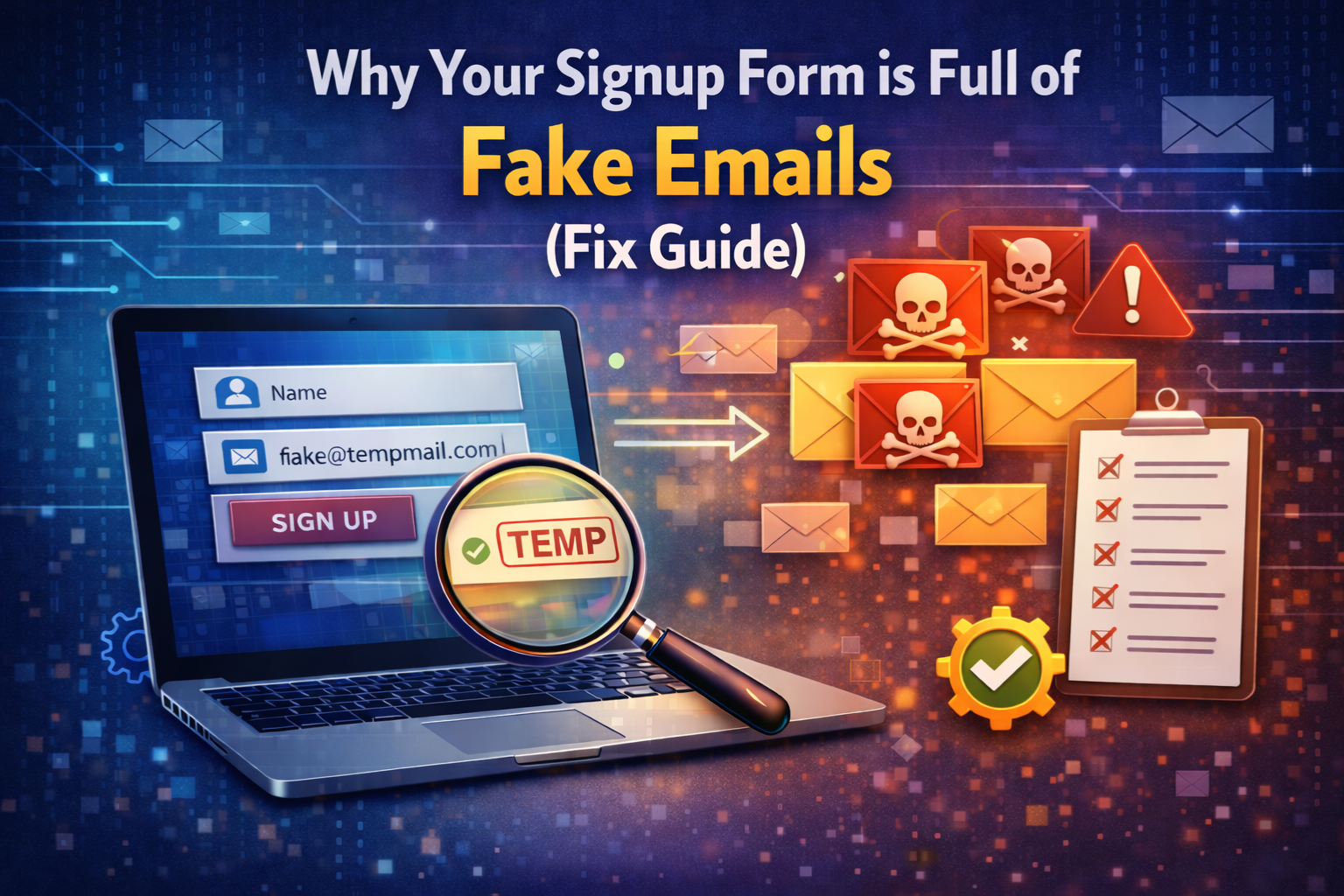
You built a signup form, promoted it, and watched the registrations roll in. The numbers looked great. But then you sent your first email campaign, and the results were terrible low open rates, high bounces, and almost no engagement. Or maybe you noticed your free trial being abused over and over by accounts that vanish the moment the trial ends.
If any of this sounds familiar, your signup form almost certainly has a fake email problem.
This is one of the most common and most damaging issues that website owners, marketers, and developers face and most of them do not realize it is happening until significant damage has already been done. In this complete fix guide, you will learn exactly why fake emails end up in your signup form, what the consequences are, and how to fix the problem permanently starting today.
The Scale of the Problem: How Many Signups Are Actually Fake?
Before diving into causes and fixes, it is worth understanding just how widespread fake email signups really are. Industry data consistently shows that a significant percentage of all email addresses collected through online forms are invalid, disposable, or fake. For some types of platforms particularly those offering free trials, free downloads, or referral bonuses that percentage can be surprisingly high.
The problem is not limited to large platforms. Small blogs, local business websites, independent SaaS products, and individual freelancers all face the same issue. Any form that collects an email address is a potential target for fake signups whether from bots running automated scripts or from real humans who simply do not want to share their real inbox.
The good news is that the fix is straightforward once you understand the root causes.
Why Fake Emails End Up in Your Signup Form
There is no single reason why fake emails appear in signup forms. In most cases, several different causes are operating simultaneously. Understanding each one helps you choose the right fix for your specific situation.
Reason 1: You Have No Email Verification in Place
This is the most common reason by far. If your signup form accepts any text that looks vaguely like an email address without checking whether the domain exists, whether it can receive mail, or whether it belongs to a known disposable provider then fake emails will flow in constantly.
A form with no verification is like a door with no lock. Most people who walk through it are legitimate. But the ones who are not have absolutely nothing stopping them.
The fix is to add real-time email verification at the point of signup. The MailScan Email Verification Tool by ZeptempMail checks any email instantly detecting disposable providers, invalid domains, and non-existent addresses before they ever enter your database. For websites, integrating a similar API directly into your signup form means every address gets verified automatically the moment it is entered.
Reason 2: Users Want to Avoid Spam
This is not malicious it is a completely understandable privacy behavior. When a user encounters a signup form for a service they are not entirely sure they trust, they often reach for a throwaway inbox to receive the one-time verification they need without exposing their real email to potential spam.
Services like the Zeptempmail free temporary email make this effortless a working inbox is generated in seconds, no registration required, and the user can receive their verification link immediately.
For website owners, this is actually useful information. A high proportion of disposable email signups is sometimes a signal that your users do not yet trust your platform enough to share their real address. Improving your trust signals clear privacy policy, visible unsubscribe option, and transparent data practices can reduce this behavior over time.
Reason 3: Bots Are Targeting Your Form
Automated bots constantly crawl the internet looking for unprotected signup forms. When they find one, they submit thousands of fake registrations using randomly generated email addresses often to build lists for spam, test registration systems, or inflate engagement metrics artificially.
If your form has no CAPTCHA, no rate limiting, and no email verification, bots can fill it with fake addresses at a rate of hundreds per minute. By the time you notice, the damage is already done.
The fix here is twofold add CAPTCHA to block bot submissions and add email verification to catch any that slip through.
Reason 4: Free Trial and Offer Abuse
If your platform offers anything free a trial period, a free download, a discount code, a referral bonus some users will attempt to claim it multiple times using different email addresses. Disposable email services make this trivially easy. A new throwaway address creates a new identity, and the cycle repeats.
This is one of the most financially damaging forms of fake email abuse because it directly costs you money in server resources, in unredeemed offers, in skewed conversion data, and in time spent managing fraudulent accounts.
Real-time disposable email detection at signup is the most direct fix for this specific problem.
Reason 5: Your Form Only Validates Format, Not Validity
Many signup forms include basic format validation they check that the email contains an @ symbol and a domain extension. But format validation and email validity are completely different things.
An address like user@fakedomain123.xyz passes every format check perfectly. But if fakedomain123.xyz does not exist no DNS records, no MX records, no mail server that address will never receive a single email. It is effectively fake, and format validation alone will never catch it.
The fix is to go beyond format checking and use a tool that verifies domain existence and mail exchange records. Our full guide on how to verify email without sending email explains exactly how this works at a technical level.
Reason 6: You Have No Double Opt-In
Without double opt-in, a user who enters any email address real or fake =immediately gains access to whatever your form offers. There is no confirmation step, no inbox check, and no proof that the address belongs to the person signing up.
Adding a confirmation email requirement means the user must access the inbox they registered with and click a link before their account is activated. This single change eliminates a large proportion of fake signups automatically because fake and expired addresses cannot receive or act on confirmation emails.
Reason 7: Your Form Is Indexed and Publicly Accessible
The more visible your signup form is in search results, in directories, on publicly shared pages the more it gets targeted by automated fake signup attempts. High-traffic forms attract more bots. Forms linked from popular content attract more users looking to claim free offers anonymously.
This does not mean you should hide your form. It means your verification defenses need to scale with your form’s visibility.
The Real Cost of Fake Emails in Your Signup Form
Understanding the cost of inaction is important for prioritizing this fix appropriately.
Damaged Sender Reputation
Every fake or expired email address in your list is a future bounce. Enough bounces and your domain gets flagged by email providers and your emails start landing in spam for every subscriber, including your genuine ones.
Inflated Subscriber Costs
Email marketing platforms charge based on subscriber count. Fake emails cost you money every month simply by existing on your list even though they will never open, click, or convert.
Corrupted Analytics
Your open rates, click rates, conversion rates, and growth metrics all depend on accurate subscriber data. When a significant portion of your list is fake, every metric is distorted making it impossible to make good decisions based on your data.
Platform and Offer Abuse
Free trials get claimed repeatedly. Referral bonuses get collected multiple times. Limited offers get exploited systematically. Each of these represents a direct financial loss that compounds over time.
Wasted Team Time
Every suspicious account needs to be reviewed. Every bounce notification needs to be processed. Every fraudulent free trial needs to be identified and closed. All of this takes time that could be spent on genuine users and real growth.
The Complete Fix: 7 Steps to Clean Up Your Signup Form
Step 1: Add Real-Time Email Verification
This is the single most impactful fix you can make. Add a real-time email verification check to your signup form so that every address is validated the moment it is entered before the form is submitted.
Use the MailScan Email Verification Tool by Zeptempmail to test any email manually right now. For automatic form-level verification, integrate a verification API into your registration system so the check happens without any manual involvement.
Step 2: Block Known Disposable Email Domains
Maintain or use a regularly updated blocklist of known disposable email provider domains. Any signup attempt using one of these domains gets rejected immediately with a clear error message asking the user to provide a permanent email address.
Because new disposable domains appear constantly, use a tool with a live, maintained database rather than a static list you update manually.
Step 3: Enable Double Opt-In
Switch from single opt-in to double opt-in for all new registrations. Every new user receives a confirmation email and must click a link to activate their account. This eliminates fake addresses that slipped past your domain check and ensures every active account in your system belongs to someone who controls that inbox.
Step 4: Add CAPTCHA to Your Form
Integrate a CAPTCHA challenge preferably an invisible one like reCAPTCHA v3 into your signup form. This blocks the automated bot layer of fake signups completely, reducing the volume of bad addresses that your verification system needs to handle.
Step 5: Implement Rate Limiting
Restrict how many signup attempts can come from the same IP address or device within a given time window. This prevents bulk automated signups even if individual attempts pass your CAPTCHA challenge.
Step 6: Write Clear Error Messages
When your verification system rejects a fake or disposable email, tell the user exactly what happened and what to do next. A message like “This appears to be a temporary email address. Please sign up with a permanent email to continue” is informative, respectful, and gives the user a clear path forward.
Vague error messages frustrate legitimate users who may have made a typo or used an unusual but real email provider.
Step 7: Clean Your Existing Database
Fixing your form going forward does not automatically fix the fake emails already in your system. Run your existing list through a disposable email checker to identify and remove invalid, expired, and throwaway addresses. This restores the accuracy of your metrics and protects your sender reputation immediately.
For a detailed guide on detecting all the different types of problematic addresses in your existing list, see our guide on how to detect disposable email addresses.
Before and After: What Changes When You Fix Your Signup Form
Metric Before Fix After Fix Bouncerate High fake addresses bounce. Low only valid addresses accepted Open rate: artificially low Accurate and improving Sender reputation: At risk, Protected Free trial abuse Ongoing blocked at signup Database quality mixed real and fake together Clean verified addresses only Marketing spend efficiency Wasted on fake contacts Focused on real users Analytics accuracy: Distorted, Reliable
The difference between a verified signup form and an unverified one compounds over time. Every month that passes with verification in place, your list gets cleaner, your metrics get more accurate, and your sender reputation gets stronger.
A Note on Users Who Prefer Temporary Email
Not every user who signs up with a disposable email is acting in bad faith. Many privacy-conscious users including developers, researchers, and security-minded individuals routinely use temporary inboxes when signing up for new services they have not fully vetted yet.
If your platform blocks disposable emails at registration, some of these users will simply switch to their real email when asked. Others may choose not to sign up at all, which is actually useful information. A user unwilling to provide any real contact information is unlikely to become an engaged, paying customer anyway.
The key is to handle rejection gracefully with a clear, respectful error message that explains why a permanent email is required and gives the user an easy path to comply. Most genuine users respond positively to this approach.
Frequently Asked Questions (FAQs)
How do I know if my signup form has a fake email problem?
Check your email campaign metrics if your bounce rate is above 2%, your open rates are unusually low, or you see a pattern of accounts that never engage after signup, you almost certainly have a fake email issue. Running your existing list through the free Zeptempmail email verification tool will confirm how many addresses are disposable or invalid.
Can I fix this problem without a developer?
For manual checking of individual addresses, yes the MailScan tool requires no technical knowledge whatsoever. For automatic real-time verification on your signup form, some basic integration work is needed but most modern website platforms and CMS tools have plugins or built-in settings that make this straightforward without custom code.
Will adding verification reduce my signup numbers?
Yes and that is a good thing. Fewer signups with higher quality is always better than more signups with lower quality. Your actual engaged user base will not shrink only the fake accounts that were never going to convert anyway will be filtered out.
How often should I clean my existing email list?
A thorough clean every three to six months is a good baseline. If you are running frequent campaigns or your list grows quickly, monthly cleaning produces better results. Regular cleaning combined with form-level verification keeps your database consistently healthy.
Is using a temporary email illegal?
No. Using a disposable email address is completely legal and widely used for legitimate privacy reasons. The Zeptempmail temp mail service is designed for exactly these kinds of privacy-friendly use cases. Detection and blocking on your platform is a business decision not a legal one.
How do I generate safe usernames for anonymous accounts on my platform?
If your platform allows pseudonymous or anonymous accounts, you can direct users to the Zeptempmail Username Generator it creates unique, random usernames instantly with no personal data stored, giving users an anonymous identity without needing a fake email.
Final Thoughts
A signup form full of fake emails is not a permanent condition it is a fixable problem with a clear set of solutions. The root causes are well understood, the tools are available for free, and the fixes can be implemented in stages without disrupting your existing users.
Start today by running your current email list through the free MailScan Email Verification Tool at Zeptemp Mail to understand the scale of your fake email problem. Then work through the seven-step fix guide above beginning with real-time verification and double opt-in, which together eliminate the majority of fake signups immediately.
Your list quality, sender reputation, and analytics accuracy will all improve from the moment you make these changes and continue improving with every new verified signup that follows.