You open your inbox and see an email from your bank. It says your account has been locked. There’s a link to “verify your details.” You click it. You enter your password. And just like that—you’ve been scammed.
This is happening to millions of people every single day.
Fake emails — also called phishing emails — are one of the most dangerous tools scammers use online. They look real. They sound real. But they are designed to steal your personal information, your money, or access to your accounts.
In this blog, we’ll explain exactly how fake email scams work, what the warning signs are, and — most importantly — how you can stay safe.
What Is a Fake Email?
A fake email is an email that pretends to be from someone it’s not. A scammer might send you an email that looks like it’s from
- Your bank or credit card company
- A popular website like Amazon, PayPal, or Netflix
- A government agency like the tax department
- A friend or family member
- Even your own workplace
The goal is always the same — to trick you into clicking a link, downloading a file, or giving away sensitive information.
Fake emails are easy to create. Scammers don’t need much technical knowledge. They can use disposable or spoofed email addresses to make their emails look legitimate at first glance.
How Scammers Use Fake Emails — 6 Common Scam Types
1. Phishing Scams
This is the most common type. The scammer sends a fake email pretending to be a trusted company. The email contains a link to a fake website that looks exactly like the real one. When you enter your username and password, the scammer steals them.
Example: You get an email from “PayPal” saying your account is suspended. You click the link and log in—but it’s a fake PayPal site. Now the scammer has your real PayPal login.
2. Prize or Lottery Scams
You receive an email saying you’ve won a prize, lottery, or gift card. To claim it, you just need to pay a small “processing fee” or share your bank details.
There is no prize. The only goal is to steal your money or banking information.
Common subject lines:
- “Congratulations! You’ve been selected!”
- “You have a pending reward of $1,000.”
- “Claim your Amazon gift card now.”
3. Job Offer Scams
Scammers send fake job offer emails, especially targeting people looking for work. The “employer” asks you to fill out forms with personal information — like your ID, address, or even bank account number — for “payroll setup.”
They use this information to steal your identity or drain your bank account.
4. Tech Support Scams
An email arrives saying your computer has a virus or your account has been hacked. It asks you to call a number or download software to “fix the problem.”
The software is actually malware that gives scammers access to your device.
5. Romance Scams
Scammers create fake online identities and build emotional relationships with victims over email. Once trust is built, they ask for money — usually claiming an emergency like a medical issue or travel costs.
These scams are emotionally damaging and can cost victims thousands of dollars.
6. Business Email Compromise (BEC)
This type targets companies. The scammer pretends to be a boss or manager and sends emails to employees asking them to transfer money or share confidential data urgently.
Because the email looks like it’s from a senior person, employees often comply without questioning it.
How Scammers Make Fake Emails Look Real
This is the scary part. Scammers are very good at making fake emails look genuine. Here’s how they do it:
Spoofing the Sender Name
They change the display name to say “Amazon Support” or “Bank of America” even though the actual email address is completely different.
Copying Real Logos and Designs
They copy the exact design of real company emails — logos, colors, fonts, and layout — so the email looks professional and trustworthy.
Using Urgent Language
Words like “Your account will be closed in 24 hours” or “Immediate action required” create panic. When you’re scared, you don’t think carefully — and that’s exactly what scammers want.
Fake Links That Look Real
A link might show “www.paypal.com” as the text, but when you hover over it, the actual URL is something like “www.paypa1-secure.net.” One small difference — and you miss it.
Using Temporary or Disposable Email Addresses
Scammers often use throwaway email addresses so their accounts can’t be traced or shut down easily. This is why it’s important to always verify who an email is really from before clicking anything.
Warning Signs of a Fake Email
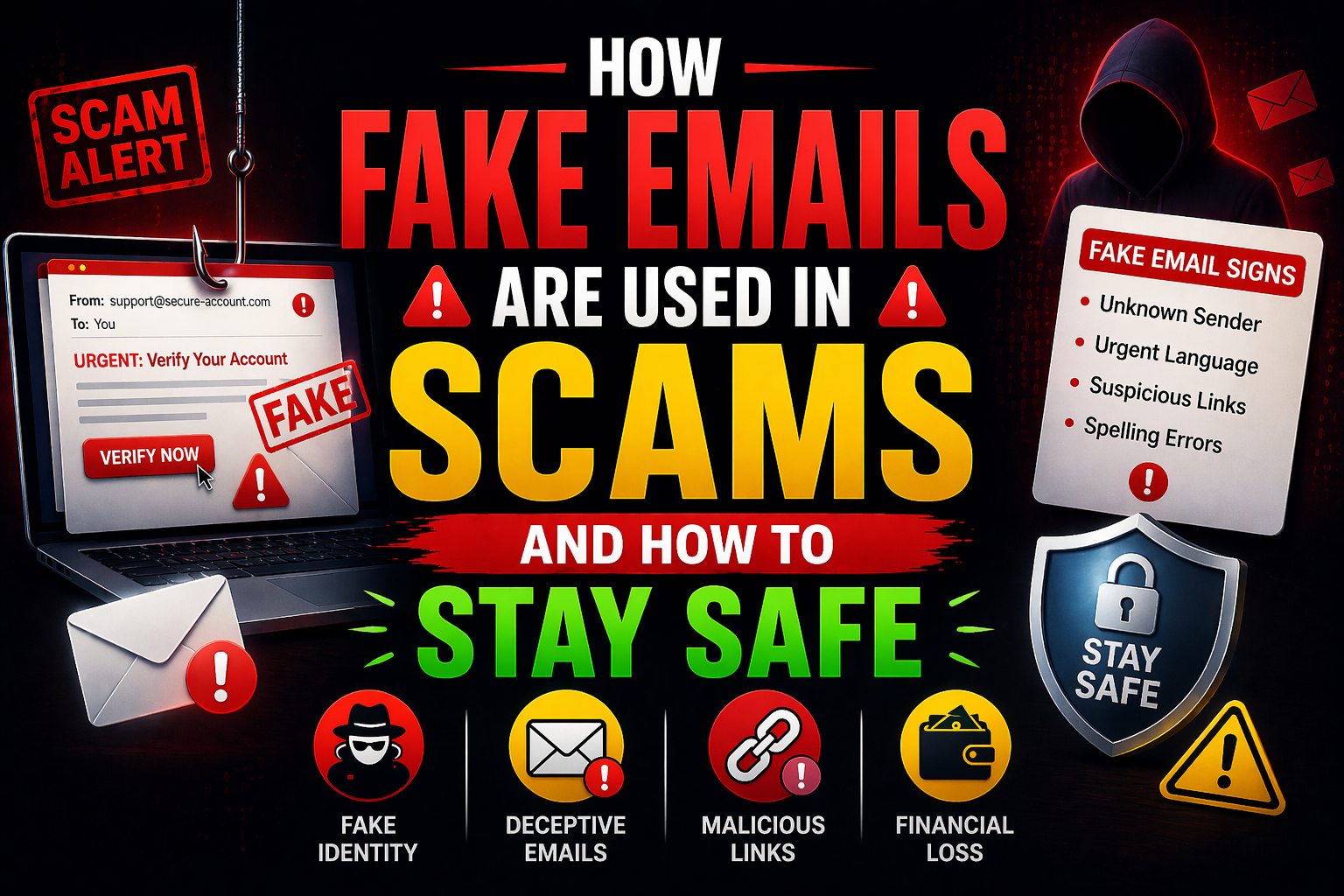
Here are the red flags you should always watch for:
| Warning Sign | What It Means |
|---|---|
| Unknown or weird sender address | The real company wouldn’t use a random Gmail or misspelled domain |
| Urgent or threatening language | Scammers create fake emergencies to rush you |
| Generic greetings like “Dear Customer” | Real companies know your name |
| Suspicious links | Hover before clicking — check the actual URL |
| Requests for personal info | Banks and real companies never ask for passwords by email |
| Grammar and spelling mistakes | Scam emails often have obvious errors |
| Unexpected attachments | Could contain malware or viruses |
| Too-good-to-be-true offers | Free prizes, job offers, or lottery wins out of nowhere |
Real vs Fake Email — A Side-by-Side Comparison
| Feature | Real Company Email | Fake/Scam Email |
|---|---|---|
| Sender address | official@amazon.com | amazon-support@gmail.com |
| Greeting | “Hello, John” | “Dear Valued Customer” |
| Tone | Calm and professional | Urgent and threatening |
| Links | Go to the real website | Go to a fake or misspelled URL |
| Attachments | Rare and expected | Random and unexpected |
| Asks for password? | Never | Always |
| Spelling/Grammar | Perfect | Often has errors |
| Contact info | Clear and verifiable | Vague or missing |
How to Check If an Email Is Real or Fake
Before you click anything in a suspicious email, do these simple checks:
Step 1 — Look at the full sender email address Don’t just look at the display name. Click on the name to see the actual email address. If it looks strange or doesn’t match the company’s official domain, it’s fake.
Step 2—Hover over links before clicking. On desktop, move your mouse over any link without clicking. The real URL will appear at the bottom of your browser. If it doesn’t match the company’s official website, don’t click.
Step 3—Use an Email Detector Tool Not sure if an email address is real or disposable? You can use our email detector tool at Zeptempmail to check if an email address is legitimate or a throwaway address used by scammers.
Step 4—Go directly to the website. Instead of clicking the link in the email, open a new browser tab and type the company’s official website address yourself. Log in there and check if there’s actually a problem with your account.
Step 5 — Call the company directly If an email claims to be from your bank or a service you use, call their official customer service number (found on their real website — not in the email) and ask if they sent it.
How to Protect Yourself from Fake Email Scams
Here are the most effective ways to stay safe:
✅ 1. Never Click Suspicious Links
If an email feels off, don’t click any links in it. Go to the website directly.
✅ 2. Use a Temporary Email for Random Sign-Ups
When you sign up for websites you’re not sure about, use a disposable email from Zeptempmail instead of your real address. This keeps scammers from getting your real inbox details.
✅ 3. Enable Two-Factor Authentication (2FA)
Even if a scammer gets your password, 2FA means they still can’t access your account without your phone.
✅ 4. Use a Unique Username for Every Site
Reusing usernames makes it easy for scammers to connect your accounts across different websites. Use our Username Generator Tool to create a unique username for each site—so your identity stays separate everywhere you go.
✅ 5. Keep Your Software Updated
Many scam emails try to exploit outdated software. Keep your browser, operating system, and antivirus up to date.
✅ 6. Report Suspicious Emails
Don’t just delete scam emails — report them. Most email services have a “Report Phishing” or “Report Spam” button. This helps protect other users too.
✅ 7. Educate Yourself and Others
Share what you learn about email scams with your family and friends — especially older relatives who may be less familiar with these tricks.
What to Do If You’ve Already Clicked a Scam Link
If you think you’ve been tricked by a fake email, act fast:
- Change your passwords immediately—especially for banking and email accounts
- Enable 2FA on all important accounts
- Contact your bank if you shared any financial information
- Run a virus scan on your device if you downloaded any attachments
- Report the scam to your local cybercrime authority or consumer protection agency.
- Monitor your accounts for any unusual activity over the next few weeks.
Acting quickly can limit the damage significantly.
Why Scammers Love Using Fake and Temporary Emails
Scammers prefer fake and disposable emails because:
- They are free and instant to create.
- They leave very little trace.
- They can be abandoned quickly after a scam.
- Many services don’t block them by default.
This is why businesses and individuals should always verify incoming emails carefully. If you’re running a business or website and want to block fake email sign-ups, an email verification system is essential.
You can learn more about identifying suspicious email addresses using our Email Detector Tool—it helps you spot throwaway or fake email addresses instantly.
Frequently Asked Questions (FAQs)
❓ How do scammers get my email address?
Scammers collect email addresses from data breaches, buying email lists on the dark web, scraping websites and social media, and using bots to guess common email combinations. This is why protecting your real email matters — using a temporary email for non-essential sign-ups reduces your exposure.
❓ Can a scam email harm my device just by opening it?
In most cases, simply opening an email is safe. The danger is in clicking links or downloading attachments. However, some advanced attacks can use email previews to track you. Always use a modern, updated email client.
❓ How can I tell if an email link is fake?
Hover over the link (without clicking) to see the real URL at the bottom of your screen. If it looks unfamiliar, misspelled, or doesn’t match the official website, it’s likely fake.
❓ Is it safe to unsubscribe from scam emails?
No! Clicking “unsubscribe” on a scam email can confirm that your address is active—leading to even more scam emails. Just mark it as spam and delete it.
❓ What is email spoofing?
Email spoofing is when a scammer makes their email appear to come from a trusted sender by faking the “From” field. The display name looks legitimate, but the actual sending address is completely different.
❓ Can temporary emails be used by scammers?
Yes, scammers sometimes use disposable email addresses to hide their identity. This is why email detector tools are useful — they help identify whether an email came from a temporary or suspicious source. Check our Email Detector Tool to verify email addresses.
❓ How do I report a phishing email?
You can report phishing emails to your email provider (Gmail, Outlook, etc.) using the “Report Phishing” option. You can also report to national cybercrime agencies like the FBI’s IC3 (USA), Action Fraud (UK), or your local cybercrime authority.
❓ Should I use a temporary email to protect myself from scammers?
Yes—for nonessential websites and sign-ups, using a disposable email from Zeptempmail means scammers can never target your real inbox. It’s one of the simplest and most effective privacy habits you can build.
Final Thoughts
Fake email scams are everywhere — and they’re getting smarter every year. Scammers are patient, creative, and very good at making their emails look real.
But with the right knowledge and tools, you can protect yourself.
Remember these key rules:
- 🚫 Never click links in unexpected emails
- 🔍 Always verify the sender’s real email address.
- 🔐 Use strong, unique passwords and enable 2FA.
- 📧 Use a temporary email for random websites so your real inbox stays safe
- 👤 Use a unique username on every platform to avoid being tracked.
Start protecting your privacy today—create a free temporary email at Zeptempmail.com and browse the internet without fear.
Also read: