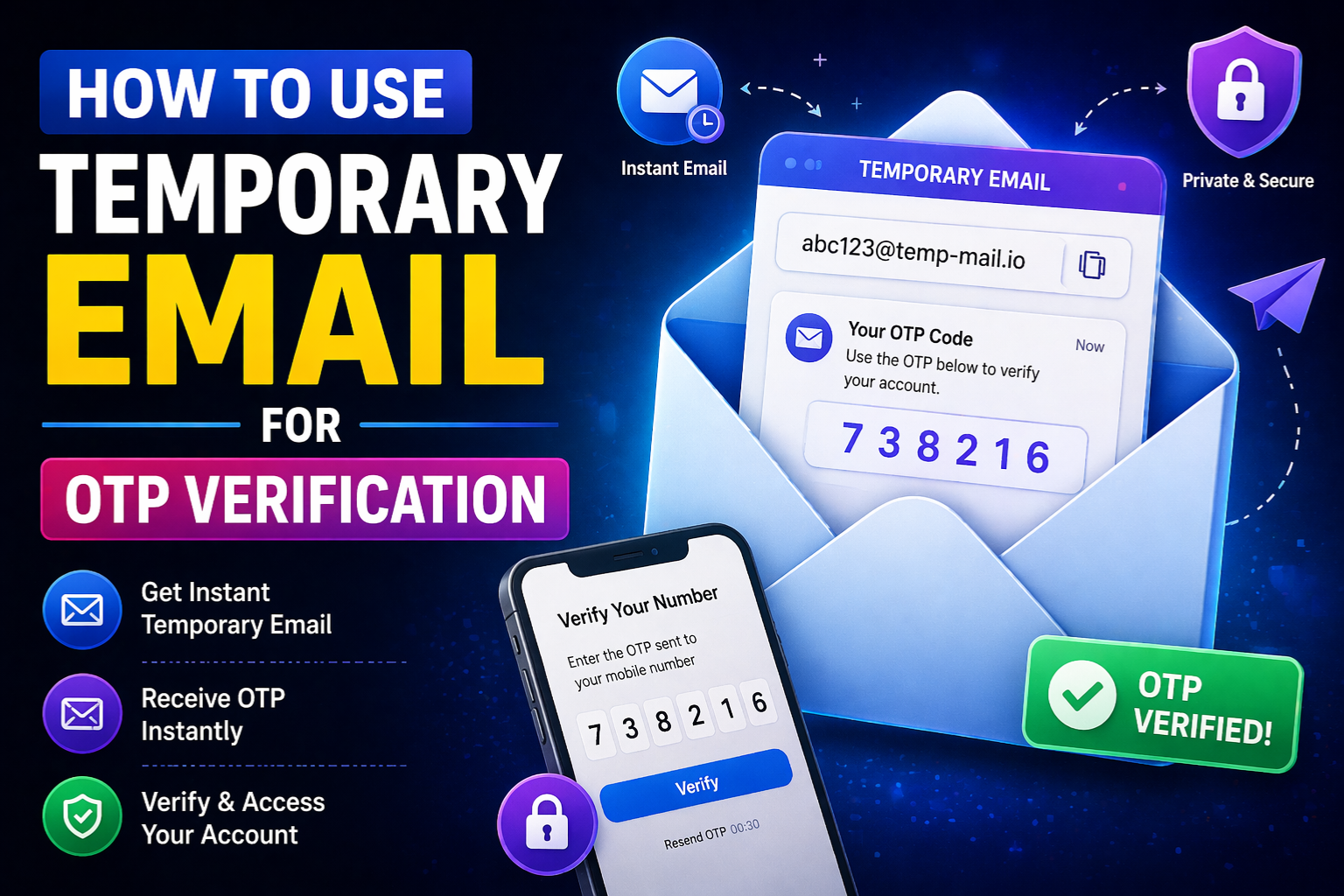
How to Use Temporary Email for
OTP Verification
You do not need to give your real email address every time a website asks for verification. This simple step by step guide shows you exactly how to use a temporary email to receive OTP codes safely and instantly.
Almost every website today asks for an email address before you can do anything. Want to read an article? Enter your email. Want to download a free tool? Enter your email. Want to try a new app? Enter your email and wait for a verification code.
This process is called OTP verification. OTP stands for One-Time Password. It is a code that a website sends to your email address to confirm that you are a real person and that you own the email account you entered. You receive the code, type it into the website, and your registration is complete.
The problem is that every time you give your real email address to a website, that address enters their database permanently. You start receiving promotional emails, newsletters, marketing messages, and sometimes even spam from third parties they share your data with. Over time, your inbox becomes cluttered and difficult to manage.
The solution is simple and free. You can use a temporary email from Zeptempmail to receive OTP verification codes without ever giving away your real email address. This guide walks you through exactly how to do it in six easy steps.
What Is OTP Verification and Why Do Websites Use It
Before we get into the steps, it helps to understand what OTP verification actually is and why so many websites use it today.
OTP stands for One-Time Password. It is a temporary code that is generated specifically for one single use. When a website sends you an OTP, that code is only valid for a short time, usually between 5 and 15 minutes. Once you use it or once it expires, the code is no longer valid.
Websites use OTP verification for several reasons. The main reason is to confirm that the email address you entered actually belongs to you. Without this check, anyone could sign up using a fake or someone else’s email address. OTP verification makes sure that only the person who controls the inbox can complete the registration.
A temporary email inbox works exactly the same way as a regular email inbox for this purpose. When a website sends an OTP to your temporary email address, that code arrives in the inbox just like it would in a Gmail or Yahoo inbox. You can read it, copy it, and use it to finish the verification process. The website has no way to know whether the inbox is temporary or permanent. It only cares that the OTP was delivered and entered correctly.
Step by Step Guide: How to Use Temporary Email for OTP Verification
Follow these six simple steps and you will be able to receive OTP verification codes using a temporary email address in under two minutes.
Open Zeptempmail in Your Browser
Go to zeptempmail.com in any web browser on your phone, tablet, or computer. You do not need to create an account, enter any personal information, or download anything. The moment the page loads, a temporary email address is automatically generated and displayed on your screen. This inbox is ready to receive emails right away.
Copy Your Temporary Email Address
Your temporary email address is shown clearly at the top of the Zeptempmail page. It looks like a regular email address, for example something like user1234@example.com, but it belongs to a disposable domain. Click the copy button next to the address or manually select and copy the full email address. Keep this browser tab open because you will need to come back to it in a moment to check for the OTP.
Go to the Website Where You Need to Sign Up
Open a new browser tab and go to the website or app where you want to create an account or verify your email. Find the email field in the registration or sign-up form. Paste the temporary email address you just copied from Zeptempmail into that field. Fill in any other required details as you normally would for the sign-up process.
Submit the Form and Request the OTP
Click the submit button or the “Send OTP” button on the website. The website will now send a verification code or OTP email to your temporary email address. The email is sent instantly by the website’s system. You do not need to do anything on the Zeptempmail side at this point. Just wait a few seconds for the email to arrive.
Go Back to Zeptempmail and Check Your Inbox
Switch back to the Zeptempmail browser tab. In most cases, the OTP email will already be there waiting for you. If it has not arrived yet, wait a few seconds and the inbox will refresh automatically. You do not need to manually reload the page. When the email appears, click on it to open it and find your OTP or verification code inside the message body.
Enter the OTP and Complete Your Verification
Copy the OTP code from the email. Switch back to the website tab and paste or type the code into the verification field. Click confirm or submit. Your account verification is now complete. You have successfully signed up without giving the website your real personal email address. Your actual inbox remains clean and private.
OTP codes usually expire within 5 to 15 minutes. Once you receive the code in your Zeptempmail inbox, use it right away. Do not close the Zeptempmail tab until you have successfully entered the code on the website. If the OTP expires before you use it, go back to the website and click “Resend OTP” to get a fresh code sent to the same temporary address.
📬 Get Your Free Temporary Email Right Now
No sign-up. No registration. No personal information needed. A free temporary email inbox is created for you the moment you visit our website. Start receiving OTP codes privately in seconds.
Get Free Temp Email Now → Try Username GeneratorWhere Temporary Email for OTP Works Best
Using a temporary email to receive OTP codes is a great strategy for many everyday situations. Here are some of the most common and practical use cases where it works perfectly.
Online Tools and Software
Many free online tools like design apps, converters, and productivity tools require email verification before you can use them. A temporary email keeps your real inbox free from their marketing follow-ups.
News and Content Sites
Websites that lock articles or content behind email verification are easy to access with a temporary email. Read the content without subscribing to newsletters you never asked for.
Gaming and Beta Access
Signing up for game beta tests or new gaming platforms often requires email verification. Use a temp email to access the game without your main inbox receiving game update emails forever.
Free Trial Services
Free trials of apps and services almost always ask for email verification. A temporary email lets you access the trial without giving the company your real email address for future marketing.
File Downloads
Some websites require email verification before they allow you to download a file or access a resource. Use a temporary email to get the download link without subscribing to their mailing list.
Forum and Community Sign-Ups
Online forums and community platforms often need email verification. If you only plan to visit a forum occasionally, a temporary email is the perfect way to get access without long-term commitment.
When You Should Use a Permanent Email Instead
Temporary email is a powerful privacy tool, but it is not the right choice for every situation. It is important to understand when to use a permanent email address instead so you do not lock yourself out of important accounts.
You should always use your real permanent email address when creating accounts for banking and financial services, healthcare and medical platforms, shopping accounts where you need order confirmation, work or professional accounts, social media profiles that are central to your brand, and any service where you may need to recover your account in the future.
The reason is simple. Once a temporary email inbox expires, all messages in it are deleted and the address is no longer active. If a website sends a password reset link or an important account notification to that address, you will never receive it. For accounts that matter in the long run, a permanent email is always the safer and smarter choice.
If you sign up for an important account using a temporary email, make sure to go into the account settings immediately after verification and add your permanent email address as a backup. This way you keep the privacy benefit during sign-up while ensuring you can still recover the account later. For a complete comparison of when to use each type, read our guide on temporary email vs permanent email.
Dos and Don’ts When Using Temporary Email for OTP
✅ Good Practices
- Use temp email for websites you visit only once
- Enter the OTP as soon as you receive it
- Keep the Zeptempmail tab open until verification is done
- Use it for free trials and one-time downloads
- Request a new OTP if the first one expires
- Add a permanent email in settings for important accounts
- Use it for beta tests and gaming sign-ups
❌ Things to Avoid
- Do not use temp email for banking or financial accounts
- Do not close the Zeptempmail tab before using the OTP
- Do not use temp email for accounts you need long-term
- Do not wait too long to use the OTP code
- Do not use for healthcare or government services
- Do not use to create fake or abusive accounts
- Do not skip reading the website terms of service
Why Zeptempmail Is the Best Choice for OTP Verification
There are many temporary email services available online, but Zeptempmail is designed specifically to make the OTP verification process as simple and reliable as possible. Here is what makes it stand out from other options.
First, it requires absolutely nothing from you. No account creation, no registration form, no password, and no personal information of any kind. You visit the website and a working email inbox is ready immediately. This matters a lot when you need a temporary email quickly without going through a sign-up process of your own.
Second, emails arrive in real time. OTP codes typically land in your Zeptempmail inbox within seconds of being sent by the website. The inbox updates automatically so you do not need to keep refreshing the page manually. This makes the whole verification process fast and smooth.
Third, the service stores zero personal data. The whole point of using a temporary email is privacy. Zeptempmail does not track your activity, does not store your information, and does not require you to identify yourself in any way. It is a genuinely anonymous service.
Finally, it works across all devices and browsers. Whether you are on a laptop, phone, or tablet, the Zeptempmail interface works simply and clearly. You do not need to download an app or install anything. Just open the website and use it.
If you want to learn more about how safe temporary email services are and what the honest pros and risks are, you can read our detailed guide on whether temp mail is safe to use in 2026. It covers everything you need to know about using disposable email responsibly and effectively.
Frequently Asked Questions
Start Protecting Your Inbox Today
Using a temporary email for OTP verification is one of the simplest and most effective ways to protect your personal email address from spam and unnecessary data collection. It takes less than 30 seconds, costs nothing, and keeps your real inbox completely private. Try it right now with Zeptempmail.